Website for trades businesses that builds trust
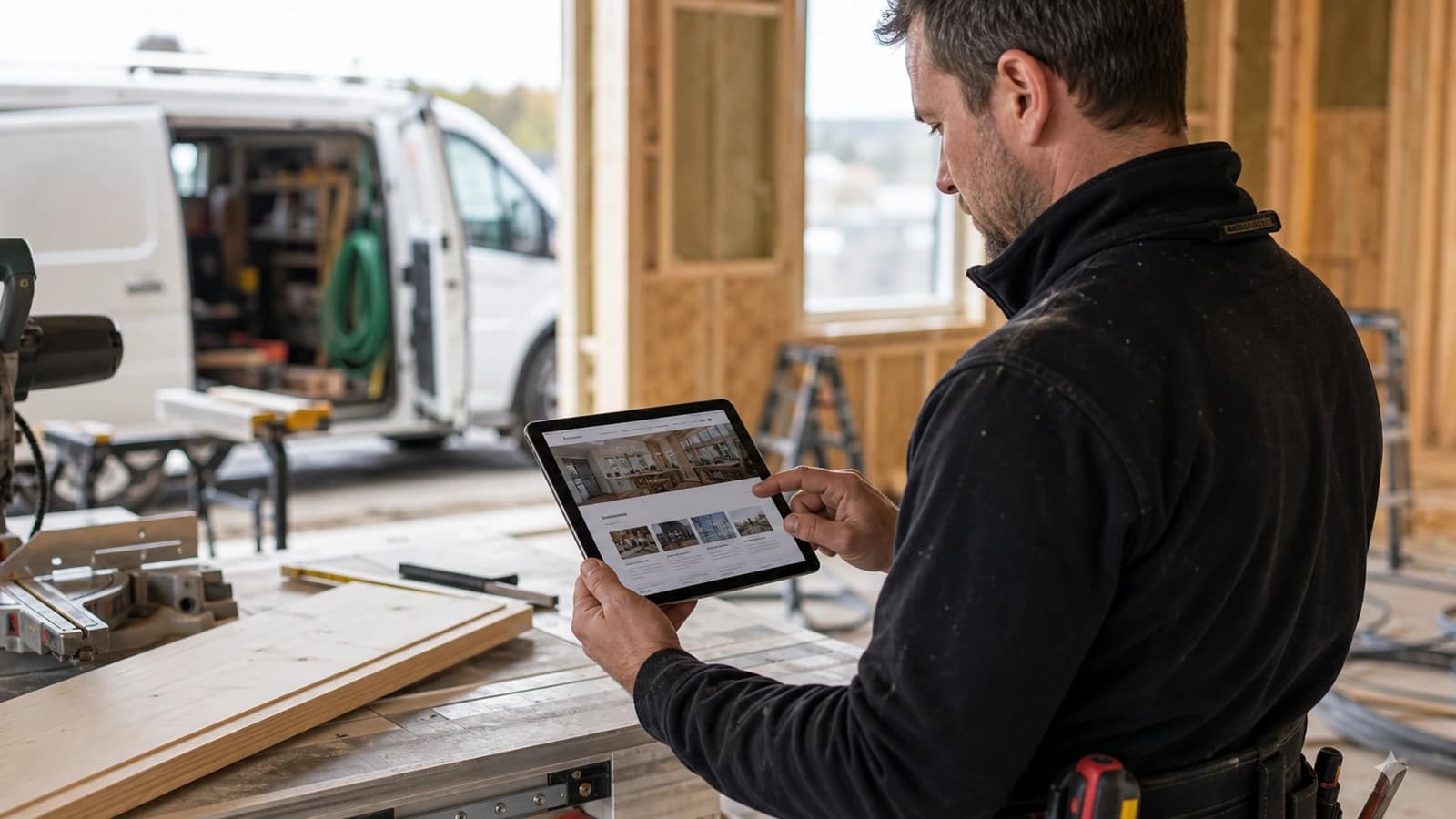
A website for trades business should do one thing well: show the customer what you do, where you work and why they can trust you before they have even called. Carpenters, electricians, plumbers and painters sell trust. The website is often the first proof.
Most trades businesses get customers through recommendations. That is good, but it has a limit. When an unknown customer searches online, they judge you in seconds. It does not help much that you are skilled in the field if the site looks empty, slow or generic.
At wevo, I build websites for trades businesses with clear structure, real project content, local search strategy and forms that make follow up easier. The goal is not a pretty brochure. The goal is more serious enquiries.
What is the customer actually looking for on a trades website?
The customer looking for a tradesperson rarely wants words. They want reassurance. They want to know you have done similar jobs before, that you take work in their area, and that you are easy to reach. A builder in Tromsø may need to show renovation and inspections, while an electrician in Drammen should explain service jobs, documentation and response time.
Think of Lars, who runs a painting firm in Sandnes. He has an old site with a little text and two photos from a trade fair. A customer who wants the whole house painted finds no references, no area and no clear button. The customer moves on to the next firm. To Lars, the site feels fine. To the customer, it feels empty.
Project photos are the strongest proof you have
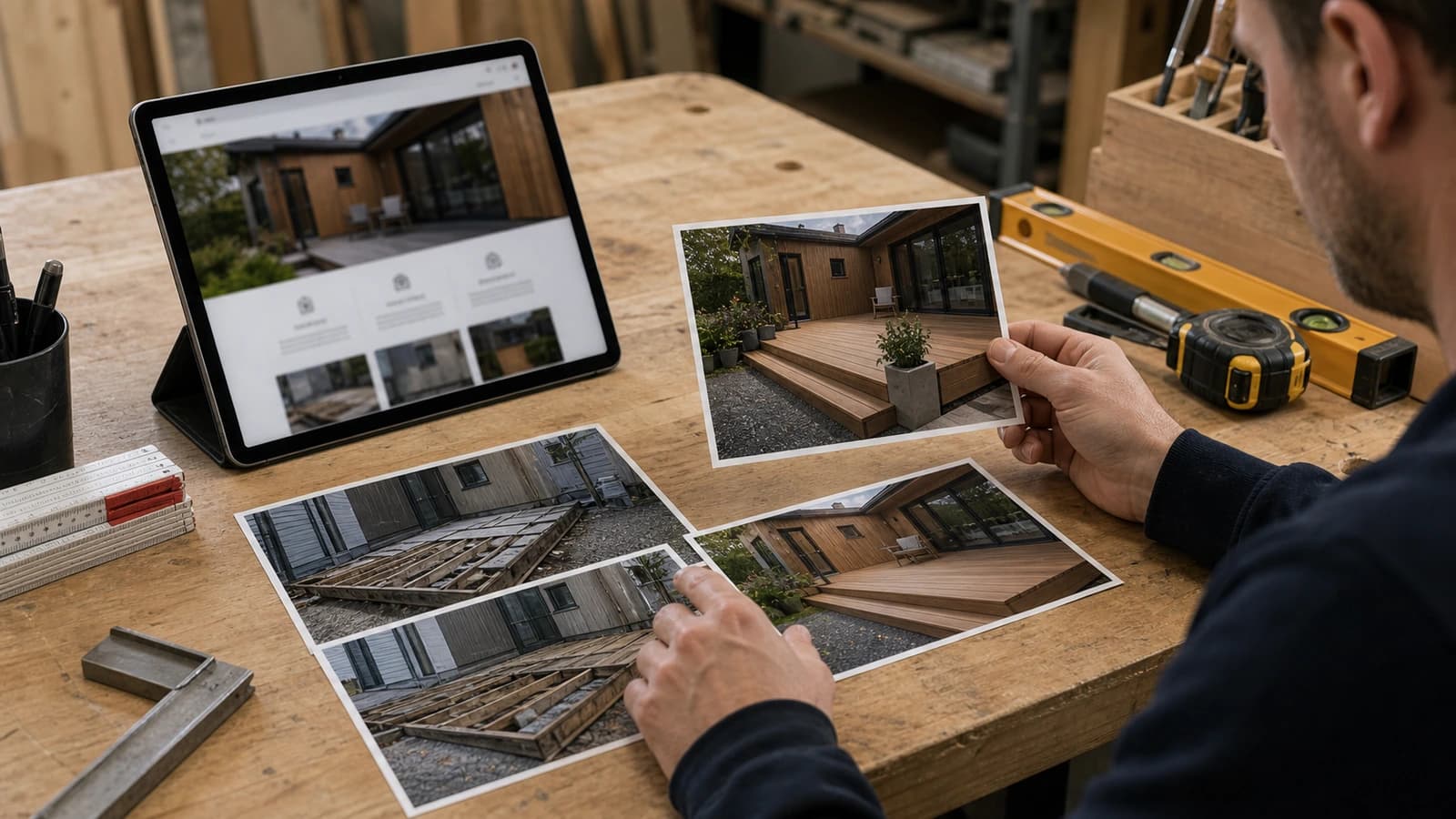
Nothing convinces a customer like real work. Project photos of before and after, tidy work sites and finished rooms say more than three paragraphs of self praise. A plumber who shows a new bathroom from pipes in the wall to finished tiles tells the customer everything they need to know about quality and order.
The problem is that many trades businesses either have no photos, or use generic images from the web. The customer notices. Generic images do not build trust. They remove it. A photo from your own job in your own area is worth more than ten perfect stock photos.
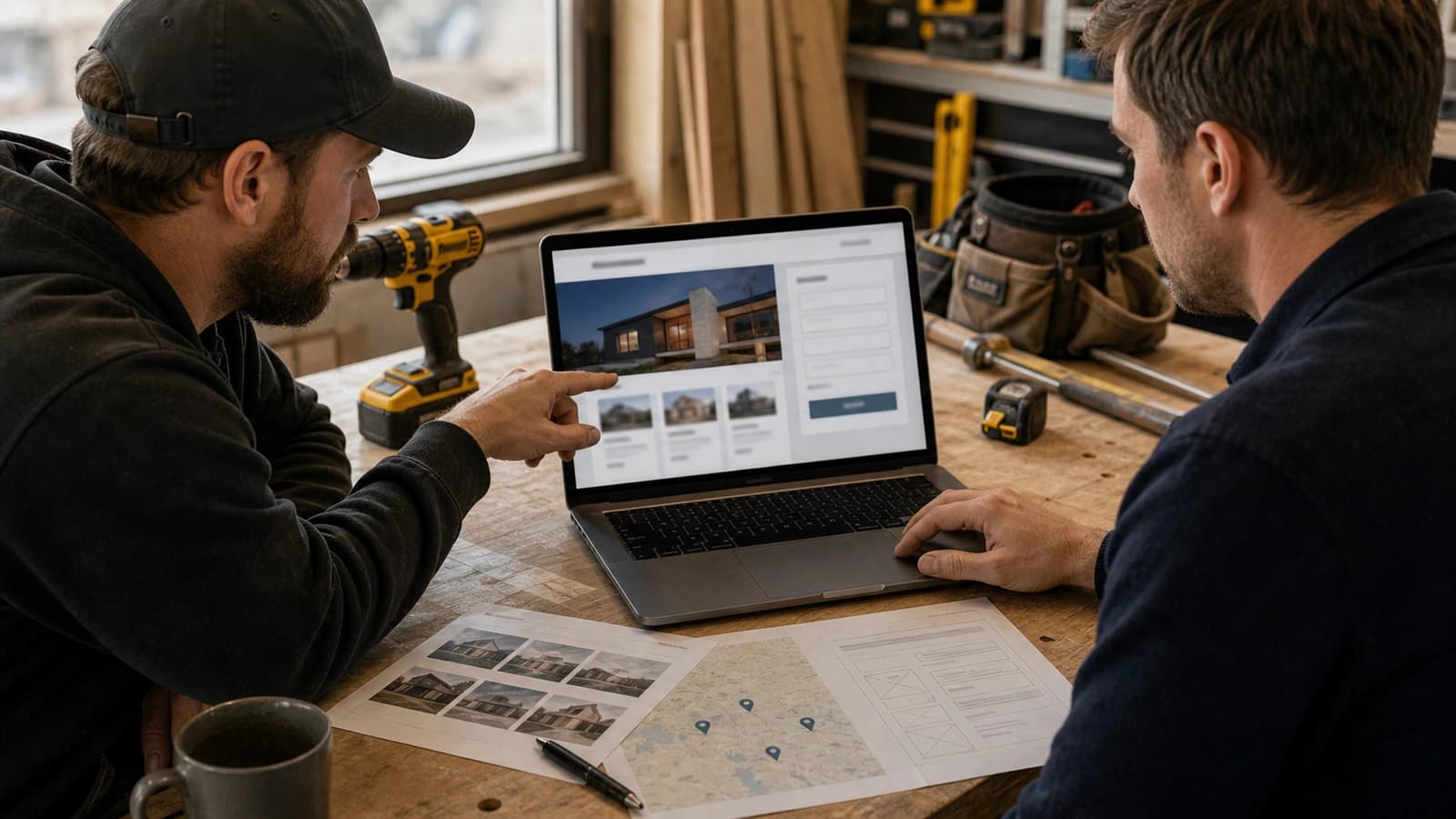
- Show before and after on the same job when you can.
- Write a short line about what was done and where.
- Take the photo on a phone if you like, but in good light and a straight angle.
- Let tidy details be visible, not only the final finished shot.
- Replace generic images with real jobs as soon as you have them.
How do you show which areas you actually take jobs in?
Local visibility is decisive for trades businesses. A customer in Drammen wants an electrician in Drammen, not a firm that maybe covers the whole country. If the site does not mention area clearly, neither the customer nor Google understands where you work. Then you lose enquiries you should have won easily.
That does not mean you should list every single town in Norway. That works against you. Mention the places you actually take jobs, where it is natural in the text. A mason who covers Sandnes, Stavanger and Sola should say exactly that, not hide it in the footer. This connects closely with local SEO and Google Business Profile.
| Element | Good trades website | Weak trades website |
|---|---|---|
| Projects | Before and after photos show real work. | Only generic images without place or craft. |
| Services | Each service explains problem, solution and next step. | Everything sits in one short list without detail. |
| Local visibility | Cities and areas are mentioned naturally where relevant. | The page feels the same for the whole country. |
| Request | The form collects job type, place, photos and preferred time. | The customer must write everything freely and hope it is enough. |
Services should be explained, not just listed
Many trades websites say everything and explain nothing. A list saying new builds, renovation, service and maintenance is too broad. The customer does not know if their exact job fits. Clear services explain a concrete problem, how you solve it, and what the next step is.
A carpenter offering decks, roofs and extensions should explain each of them briefly. What is the typical scope, what does the customer need to think about, and what happens after an inspection. Then the customer avoids guessing, and you avoid enquiries from people you cannot help. That is useful for both.
- Break broad terms into concrete services the customer recognises.
- Explain what the customer should prepare before an inspection.
- Say clearly what happens after the request is sent.
- Use the same words the customer uses, not professional jargon.
A request form that actually gives enough for an inspection
Contact is where many trades websites lose the customer. A form that only asks for name and message gives you little to work with. Then you have to call back to understand the job, and the customer may already have sent a request to three others. A good request form collects enough to let you assess the case right away.
- Ask for job type, so you understand the craft straight away.
- Ask for place or address to assess area and travel.
- Let the customer attach photos of what needs doing.
- Ask for preferred time or how urgent it is.
- Keep the number of fields low, but ask the right questions.
- Send a clear confirmation that the request has been received.
When the form is built correctly, it can also be connected to follow up. Photos, address, job type and status can be collected in one place, so no request is left lying around. Then the path from enquiry to inspection becomes shorter. This is where systems make the website more than a display page.
Why mobile and speed decide for trades businesses
The customer looking for a tradesperson often has the phone in hand. They have a problem right now: a leak, a blown fuse, a roof that must be fixed before winter. If the site is slow or hard to use on mobile, they call the next firm. Speed is not a technical detail. It is the difference between an enquiry and a lost customer.
That is why I build trades websites mobile first. A large and clear contact button, light images, fast loading and a form that is easy to fill with a thumb. A slow site costs more than people think, which I have written more about in a slow website loses customers.
The most common mistakes on trades websites
The mistakes I see repeat. They rarely come from technology and more often from the site not building trust. A builder can be the best in town and still lose customers because the site shows too little of what he actually does.
- Too little proof: the site says the business is good, but does not show work.
- Weak mobile: the customer often uses a phone and needs fast contact.
- Generic text: the content could fit any trades business.
- Too many empty promises: trust is created by concrete details, not big words.
When these four are cleaned up, the site changes character. It stops being a business card online and starts working like an employee who sells for you while you are out on the job.
How wevo builds a trades website step by step
I start with the craft. Which jobs do you want more of, and which areas do you cover. Then we collect real photos and short project explanations. Then service pages are built that answer the customer's practical questions, and a request form that gives you enough to assess the job. Finally everything is connected to local SEO, mobile and speed.
- Choose the most important trade areas you actually want more jobs in.
- Collect real photos, short project explanations and areas you cover.
- Create service pages that answer practical customer questions before inspection.
- Build a request form that gives enough information to assess the case.
- Connect the website to local SEO, speed, mobile and simple follow up.
If you want to see how such a site is set up from scratch, I have described the process in building a website for a business. A trades website follows the same craft: structure first, then content, then trust.
A website for a trades business is the right next step when you get customers through recommendations, but want more unknown customers to understand your quality quickly. If you want a site that actually creates enquiries, you can start with websites from wevo.
What should a trades website contain?
It should include services, areas, project photos, references, clear contact and a form that collects enough information for follow up.
Do trades businesses need local pages?
Yes, if the business works in specific areas. Local pages can help customers and search engines understand where you take jobs.
Are photos important for trades businesses?
Yes, photos of real work are often the strongest proof of quality, order and professional level.
Can the website connect to inspection and follow up?
Yes, forms and systems can collect photos, address, job type and status so follow up becomes easier.
Want help with this? See how we work with websites.
Not sure where your website stands?
Run a free analysis and get an honest picture of speed, structure and things that could be stopping your customers.