Website security: a checklist for small businesses
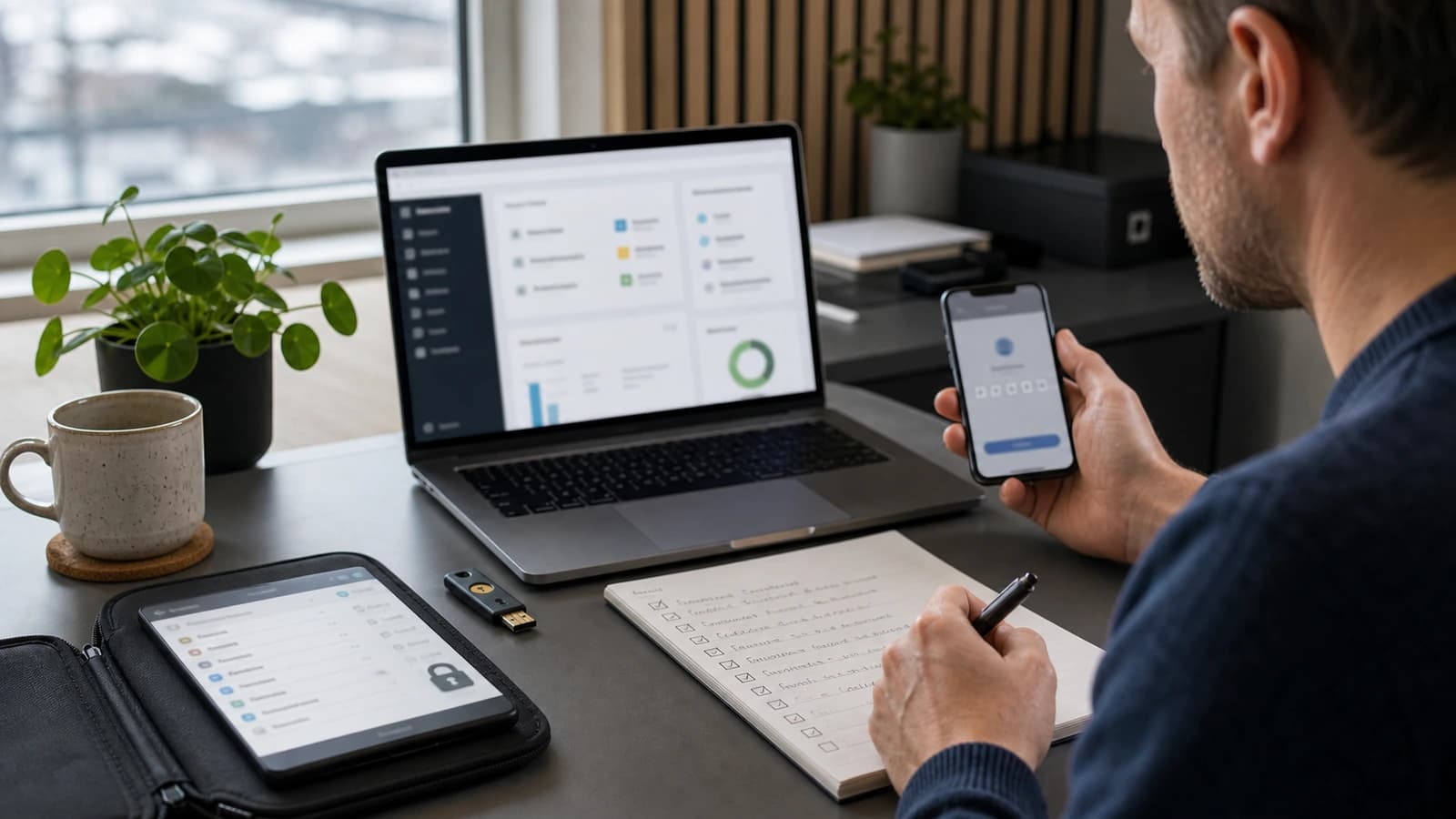
Business website security means reducing the risk of break-ins, data loss, fraud and downtime in digital systems. A small business in Norway should start with strong passwords, two-factor authentication, updates, backup, access control and a website that is configured correctly.
Small businesses are often not attacked because they are famous. They are attacked because they are available, busy and have weak routines. A forgotten administrator user, an old WordPress plugin, a password used in several places or a backup nobody has tested can be enough. Security is rarely dramatic when it works. It is just tidy.
At wevo, I think of security as part of normal operations, not as a decorated standalone service. When I build or maintain a website, the foundation should be safe: fewer open doors, clear access and simple recovery if something happens.
What does website security mean for a small business?
Website security is everything that protects digital assets. That includes the website, email, domain, CRM, files, passwords, payment flow, customer data and the access employees use. NSM's basic principles for ICT security include identifying assets, protecting them, detecting incidents and handling them. For a small business, that does not mean large reports first. It means practical habits that are actually followed.
Think of Lina, who runs a small clinic in Oslo. She has a website, contact form, email, booking, accounting and several employees using the same machines at reception. If one account is taken over, the attacker can read email, send false invoices or change the website. Website security is about making such incidents harder, less damaging and faster to clean up.
Which security measures should you start with?
Start where the risk is largest and the measure is simple. Most serious problems in small businesses do not come from advanced hackers. They come from reused passwords, missing two-factor authentication, old systems, unclear access and missing backup. That is good news, because this can be cleaned up without making everyday work heavy.
- Enable two-factor authentication for email, domain, hosting, CMS, CRM and accounting.
- Use a password manager, and stop reusing passwords between services.
- Remove old users from the website, hosting, Google accounts and line-of-business systems.
- Update website, plugins, theme, server and libraries regularly.
- Set up automatic backup and test that it can actually be restored.
- Use HTTPS, safe forms and good spam protection on the website.
- Make a short incident plan for who does what if something happens.
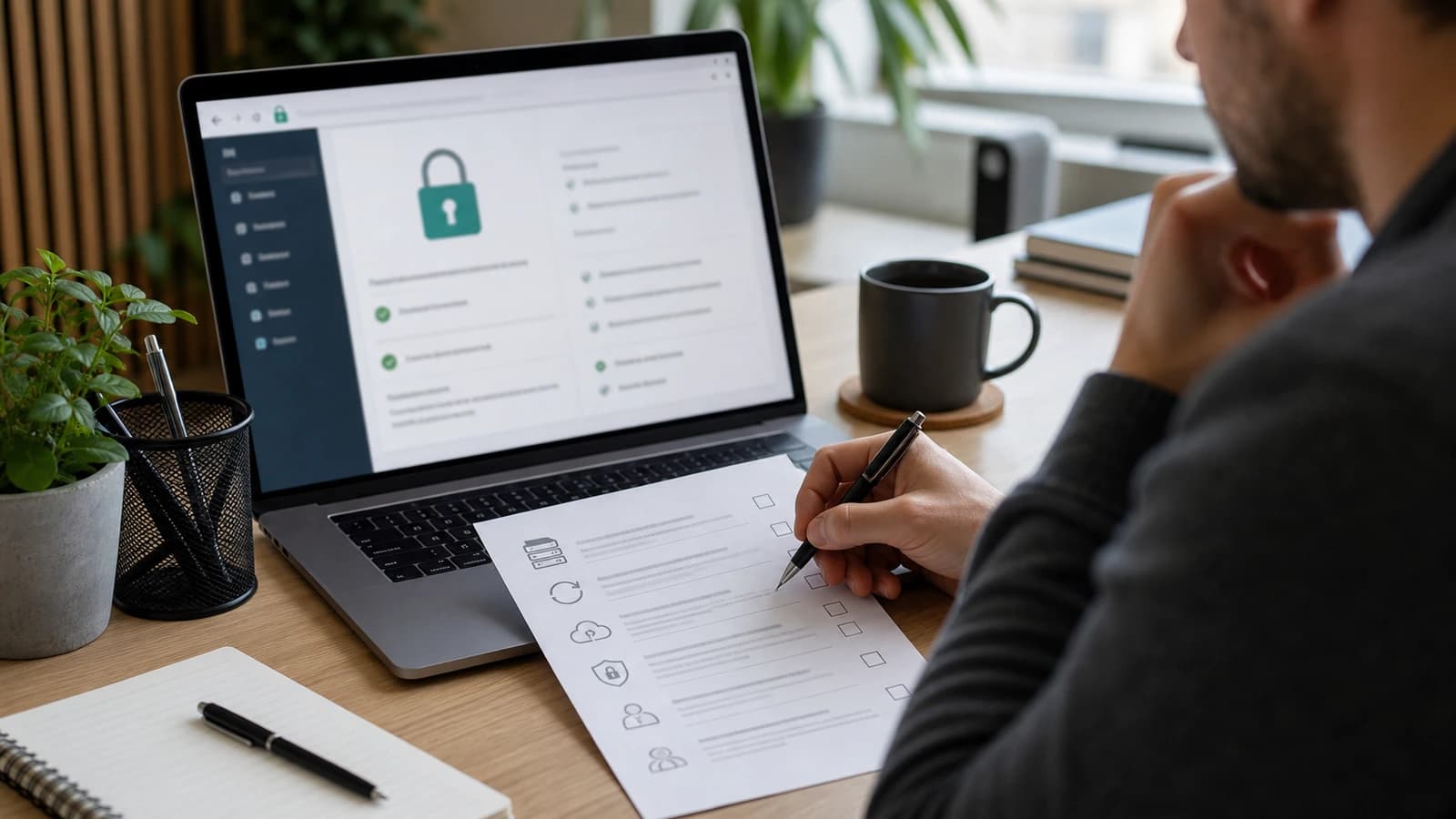
What is the difference between good and weak website security?
| Area | Weak routine | Good routine |
|---|---|---|
| Passwords | The same password is used in several places. | Unique passwords are stored in a password manager. |
| Access | Old employees still have accounts. | Access is removed when the role changes. |
| Backup | Backup maybe exists, but is never tested. | Backup is tested and can be restored quickly. |
| Website | Plugins and systems are updated when something fails. | Updates are checked on a planned schedule. |
| Incident | Everyone tries to find who is responsible. | A short plan says who does what. |
A weak routine can work for months. That is why it feels safe. The problem only appears when something goes wrong. If the website is down, the form sends spam, an account is compromised or the backup does not work, it suddenly costs time and trust. That is why security must be checked before the crisis.
The domain deserves extra attention. If someone gets control of the domain or DNS, they can move traffic, misuse email or make the website unavailable. Use two-factor authentication at the domain provider, limit who has access, and document where the domain actually lives.
How do you secure the website specifically?
The website often has more entrances than the owner realises. There may be CMS login, hosting panel, domain provider, forms, analytics tools, third-party scripts, API keys and old test environments. A static or custom-coded site often has fewer moving parts than a heavy plugin-based solution, but no solution is automatically safe. Configuration matters more than the label.
- Use only necessary scripts and integrations.
- Make sure forms validate data and protect against spam.
- Keep secret keys out of frontend code.
- Set proper security headers where they fit.
- Use separate environments for development and production.
- Log errors and watch unusual traffic.
- Have a simple routine for monthly website maintenance.
The Norwegian Data Protection Authority writes that organisations must have suitable technical and organisational measures when personal data is processed. For a website, that means contact forms, analytics, storage and access must be considered. You do not need to make security cumbersome. You need to know which data you collect, why you collect it and who can see it.
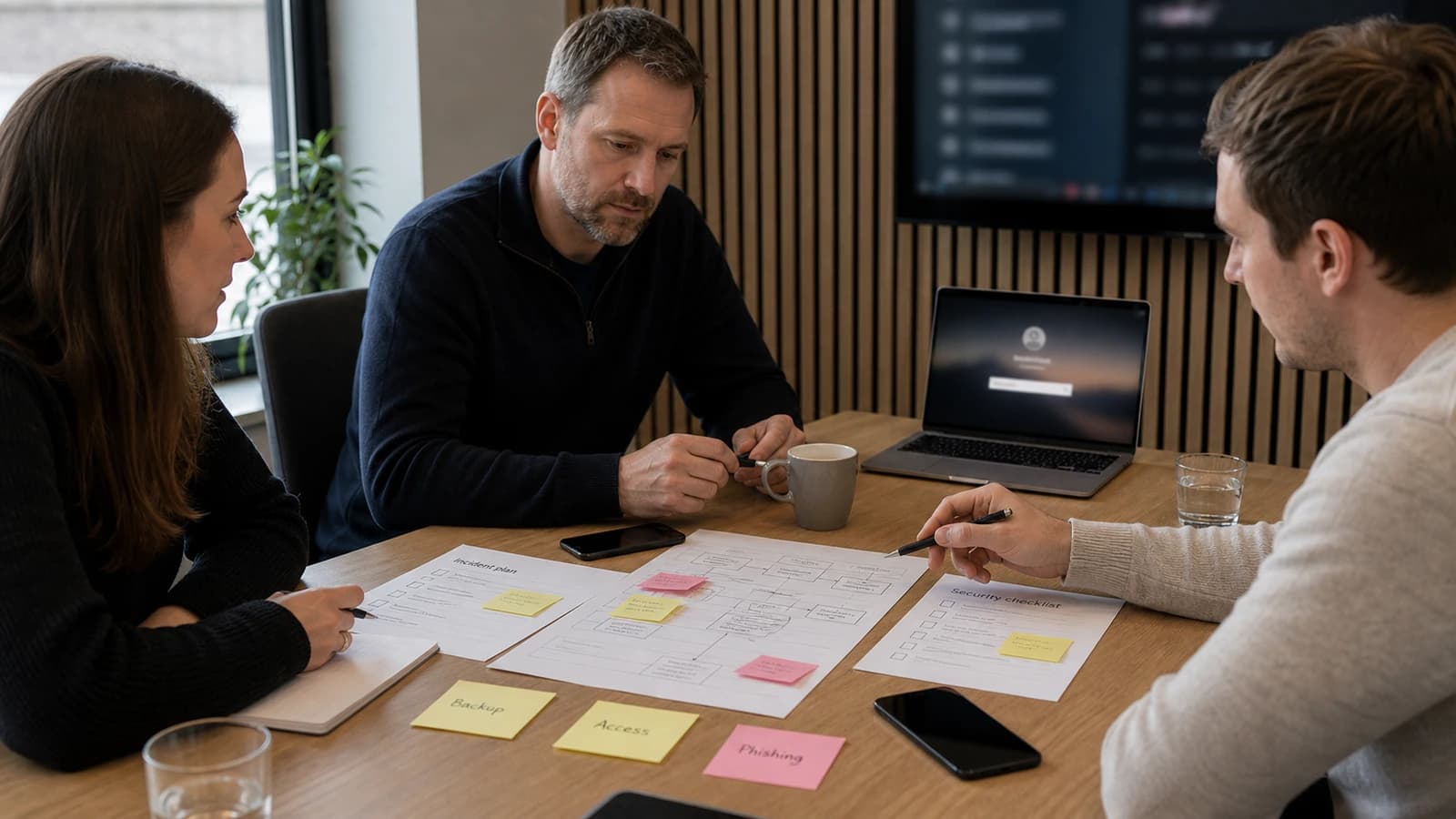
What should you do if you think the website is compromised?
Do not start clicking randomly. Start by limiting damage. Change passwords from a safe machine, disable suspicious users, contact hosting, preserve logs and check what actually changed. If customer data may be affected, privacy must be assessed. This is an area where quick assumptions can do more damage.
- Take the website temporarily down or put it in maintenance mode if it spreads damage.
- Change passwords and rotate API keys for affected services.
- Check administrator users, files, forms and recent changes.
- Restore from clean backup if you know when the problem started.
- Document what happened and which data may be affected.
- Close the hole before the website goes live again.
How does wevo work with website security in practice?
When I build a website, I try to reduce the attack surface from the start. That means fewer unnecessary dependencies, tidy code, secure forms, control over environment variables and operations that can be understood. For businesses that already have a website, I start with a practical check: access, updates, forms, hosting, backup, performance and visible errors.
Security also connects with speed and quality. A heavy page with old scripts is often both slower and more vulnerable. That is why this checklist connects with Core Web Vitals and a slow website loses customers. Good technical hygiene makes the page faster, safer and easier to maintain.
The human routine is just as important as the technology. New employees should get the right access, not more. When someone leaves, access should be removed the same day. It sounds small, but these routines often separate a tidy business from one that has to clean up after an incident.
Write the routine down, otherwise it disappears when everyday work gets busy. To see where your site stands right now, a free security check takes under a minute and touches nothing. If someone should fix what turns up, we build and secure websites for businesses.
What is business website security?
Business website security is measures that protect the website, email, accounts, data and digital systems against break-ins, fraud, data loss and downtime.
What is the most important security measure for small businesses?
Two-factor authentication on important accounts, unique passwords and tested backup often give the strongest first effect. Then come updates, access control and safe website operation.
How often should website security be checked?
A simple check should be done monthly, especially if the website has forms, CMS, plugins or integrations. After major changes, security should be checked before launch.
Is a coded website safer than WordPress?
It can have fewer moving parts, but safety depends on setup, operation and maintenance. WordPress can be safe with good routines, and coded sites can be weak if they are built badly.
Want help with this? See how we work with websites.
Not sure where your website stands?
Run a free analysis and get an honest picture of speed, structure and things that could be stopping your customers.