Core Web Vitals: what does it mean for your website?
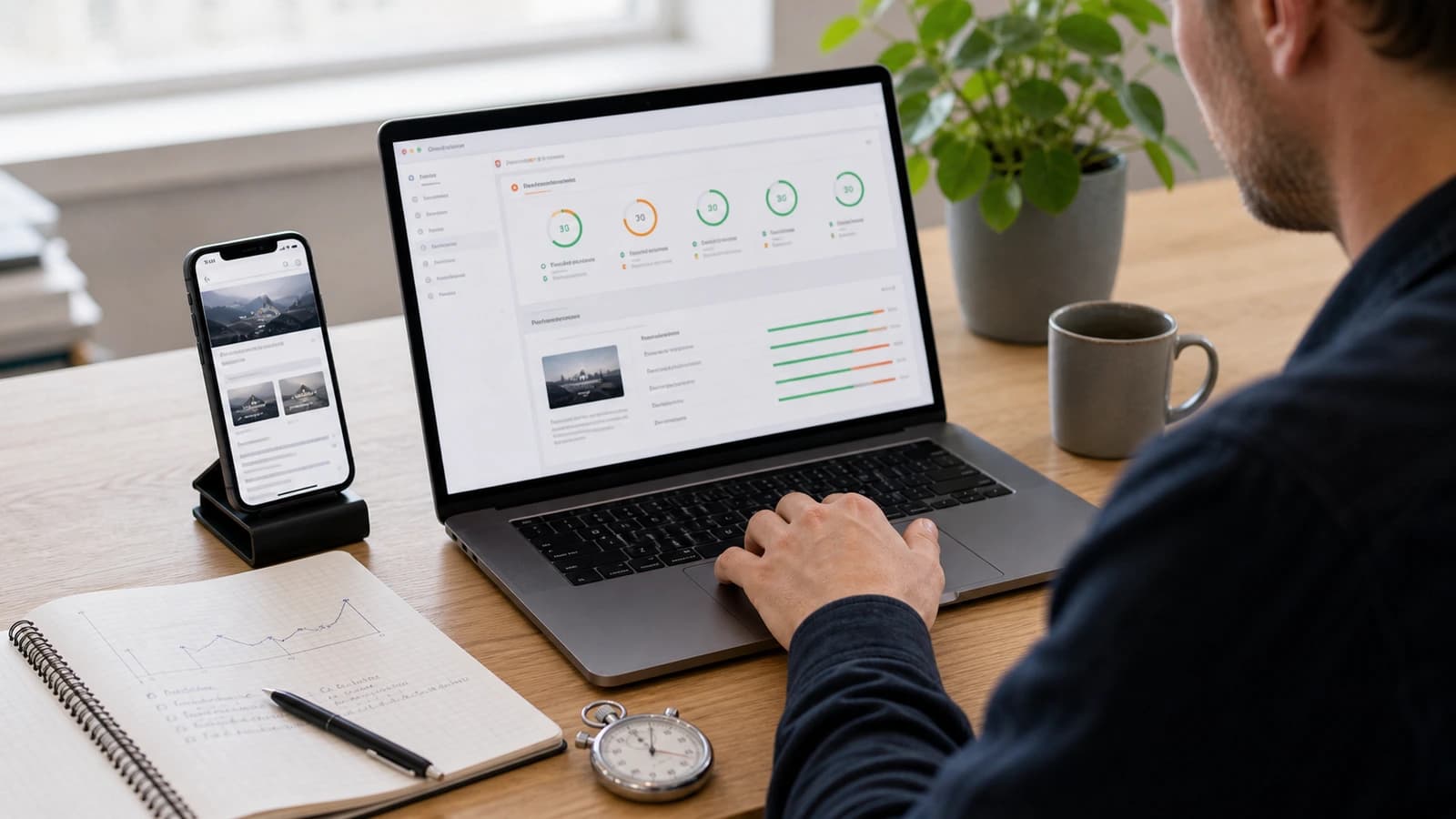
Core Web Vitals are Google's measurements for how fast, stable and responsive a website feels to the user. For Norwegian businesses, good performance metrics mean the page loads clearly, reacts quickly and does not jump around while the customer tries to read or click.
This is not just developer talk. A slow or unstable page feels unsafe. The customer taps, nothing happens, the layout moves, and suddenly she clicks the wrong thing. Then it does not help that the design looked nice in Figma. The website has to feel fast in the hand.
Google describes these metrics as a set of field measurements for real user experience. The three most important today are LCP, INP and CLS. The abbreviations are dry, but the effect is concrete: does the customer see the content quickly, does the page respond to action, and does it stay calm while loading?
What are Core Web Vitals?
The three signals measure loading, responsiveness and visual stability. LCP stands for Largest Contentful Paint and is about when the main content becomes visible. INP stands for Interaction to Next Paint and is about how quickly the page responds after a user action. CLS stands for Cumulative Layout Shift and is about how much content moves unexpectedly.
| Metric | What it means | Common problem |
|---|---|---|
| LCP | How quickly the main content appears. | Large images, slow server or heavy code. |
| INP | How quickly the page reacts to clicks and taps. | Too much JavaScript or heavy third-party scripts. |
| CLS | How stable the layout is while loading. | Images without size, banners or content inserted late. |
Why do Core Web Vitals matter for customers?
Because people do not wait patiently for websites. If the main image takes time, the business feels slow. If the menu does not respond, the site feels broken. If a button moves just as the customer taps, the experience feels amateur. This is especially important on mobile, where network, screen and attention are often worse than at the office.
Think of Erik searching for a builder on his phone during lunch. He opens three pages. The first shows content right away. The second loads a huge image. The third jumps when a cookie box appears. Erik does not analyse LCP and CLS. He just chooses the page that feels safest.
For local businesses this is especially important because many searches happen during the day, away from a desk. The customer is in a car, in a shop or between meetings. Then the mobile experience decides whether the page gets a chance to explain itself.
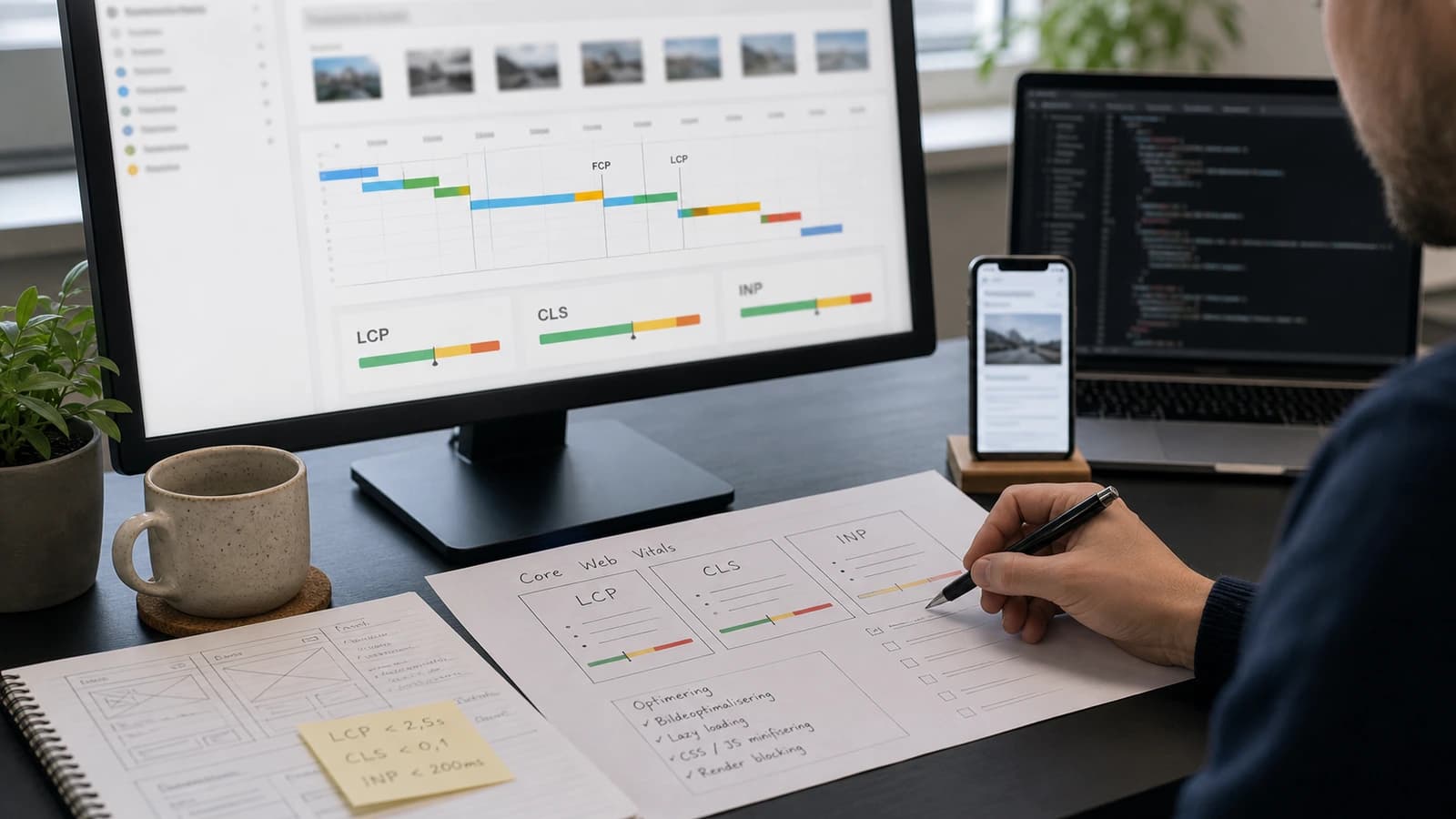
How do you improve LCP?
LCP is often about the largest visible element at the top of the page. That is typically the hero image, large heading, video or a big content block. If this arrives late, the whole page feels slow. The solution is rarely one magic thing. It is a combination of better images, fast server, less blocking and proper prioritisation.
- Compress hero images and use the right format, often WebP or AVIF.
- Do not load large videos or heavy scripts before the main content is ready.
- Prioritise important image and font correctly in the code.
- Remove unnecessary third-party scripts on landing pages.
- Use hosting and caching that fit the traffic.
How do you improve INP?
INP is about response. The customer taps the menu, form, button or filter. The page should respond quickly. Poor INP often comes from too much JavaScript, heavy animations, large bundles or third-party tools that take control of the browser thread. This is a common reason nice-looking pages feel sluggish.
- Cut JavaScript that is not needed for the first view.
- Split heavy logic into smaller tasks.
- Avoid excessive animations on important actions.
- Load chat, tracking and widgets after the most important content.
- Test on a normal phone, not only a fast developer machine.
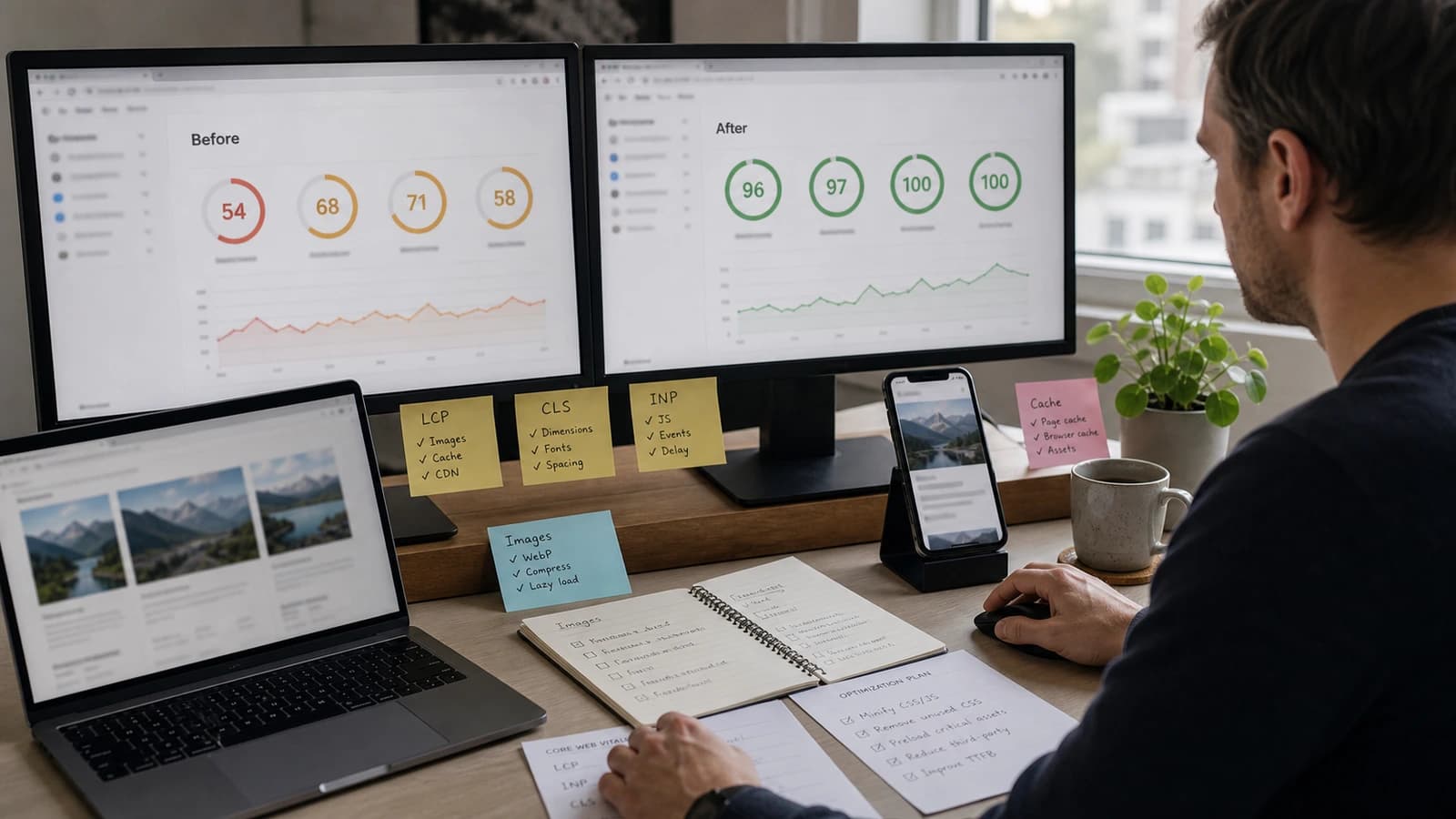
How do you improve CLS?
CLS is often the most visible mistake. You are about to press a button, then the page moves because an image, banner or form loads late. It seems small, but it creates irritation and misclicks. The fix is to reserve space for content before it loads and avoid pushing elements in above what the customer already sees.
| Problem | What the customer experiences | Fix |
|---|---|---|
| Images without size | Text jumps when the image arrives. | Set width, height or aspect-ratio. |
| Late font | Text moves when the font loads. | Use a good font strategy and fallback. |
| Cookie box | Button or text is pushed down. | Show it without pushing main content. |
| Dynamic content | Cards and forms change height. | Reserve stable space. |
Which tools should you use?
Use both lab data and field data. PageSpeed Insights gives a good start. Chrome User Experience Report can show real user data where the site has enough traffic. Lighthouse is useful during development, but it runs in a controlled environment. Search Console can show whether pages have problems in the Core Web Vitals report.
Do not optimise blindly for one score. A page can get a poor score from one heavy third party, but still be tidy otherwise. Start with the things the customer meets first: hero, menu, form, contact button and mobile experience. This connects closely with responsive website and why a slow website loses customers.
How does wevo work with these metrics?
When I build a website, I try to keep the foundation light from the start: right image format, limited JavaScript, stable layouts, good mobile structure and few unnecessary dependencies. It is much easier to build a fast site than to rescue a heavy one afterwards.
I also look at which pages actually matter commercially. Front page, service pages and contact page get priority. An old article with little traffic can wait. A service page receiving warm Google visits should not wait.
When we build websites for businesses, these measurements are part of the delivery rather than something checked afterwards. For existing sites, I start with measurement, not guessing. Which templates are slowest? Which scripts block? Which images are too large? Which elements jump? Then fixes are prioritised by effect. If you want your own numbers before guessing, a free website analysis gives them in under a minute. The performance metrics are also part of good website maintenance, because new scripts and changes can make a fast page slow again.
What are Core Web Vitals?
Core Web Vitals are Google's measurements for loading, responsiveness and visual stability on websites. The most important are LCP, INP and CLS.
Do Core Web Vitals affect Google ranking?
These metrics are part of Google's page experience signals, but good content and relevance still matter most. Poor metrics can still hurt the user experience.
What is a good LCP?
Google recommends LCP within about 2.5 seconds for a good experience. Always view this together with real user data and the page content.
How do I measure Core Web Vitals?
Use PageSpeed Insights, Search Console, Lighthouse and real user data where available. Also test manually on mobile.
Want help with this? See how we work with websites.
Not sure where your website stands?
Run a free analysis and get an honest picture of speed, structure and things that could be stopping your customers.