Web application or website: what is the difference?

A web application is a program you use in the browser. A website is information you read in the browser. Both open with a URL, and both can look exactly alike. The difference is what they do: the website presents, the web application does work.
The question usually comes up when someone has received a quote with the word web application in the heading. The price looks higher than for a website, and it is hard to see why, since both are just something you open in a browser. The answer is not in the design. It is in what happens behind the screen.
At wevo I build both, and quite often I say the business only needs one of them. Here I explain the difference the way I explain it in a meeting, without jargon. If you need a system built around your workflow, that is a different conversation from a new website.
What is a web application, and what is a website?
A website is publishing. It shows who you are, what you sell, where you are based and how people get in touch. The content is largely the same for everyone who visits. Change a text and everyone sees the new text. The job the website does is to convince and to generate enquiries.
A web application is software. It receives something from the user, does something with it, stores it and gives something back. Two people opening the exact same address can see completely different content, because the content depends on who they are and what they have done before. A booking system, a customer portal or an internal dashboard are web applications even though they look like ordinary websites.
Login is the dividing line
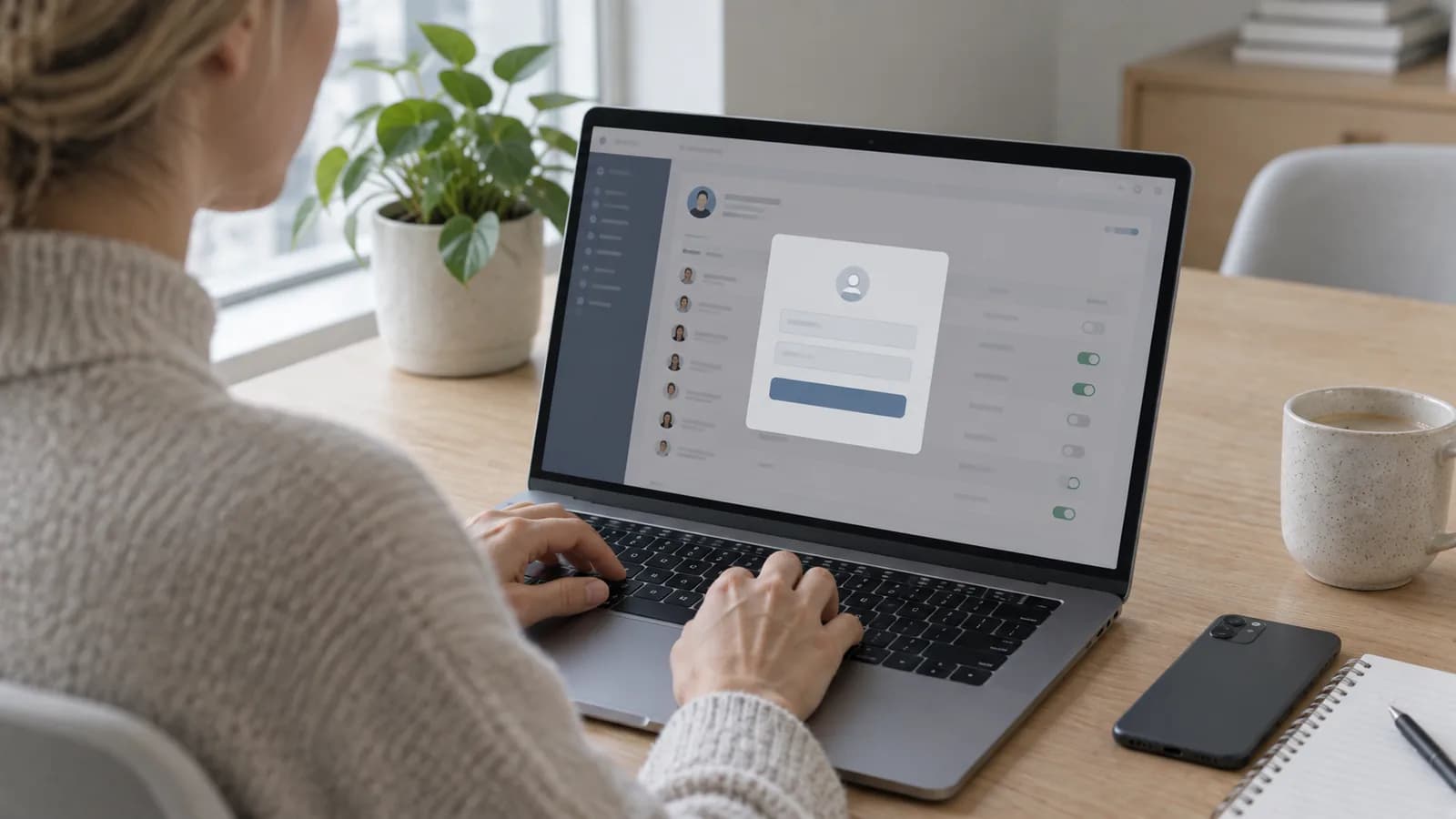
If I have to point at one single divide, it is user accounts. The moment someone has to log in to do their job, you no longer have a website. You have a system. Login means the solution must know who the user is, what that person is allowed to see, and what happened the last time they were there.
It sounds like a small detail, but it turns everything around under the hood. You need a database that holds users and data. You need roles, so one customer does not see another customer's documents. You need a way to reset passwords. You need logs for when someone asks who changed what. A contact form sends an email and forgets the rest. A web application remembers.
What separates them in practice?
Here are the differences you feel in the budget, in operations and in everyday work when the decision has to be made.
| Question | Website | Web application |
|---|---|---|
| What is the job? | Present and generate enquiries. | Perform tasks and keep track of data. |
| Content | The same for every visitor. | Depends on who is logged in. |
| Data | Little or no storage. | Database with customers, orders or documents. |
| Operations | Hosting and regular updates. | Hosting, database, backup, monitoring and support. |
| Changes | New text or new pages when needed. | Ongoing development for as long as the system is in use. |
| Biggest cost | Design and content. | Logic, testing and operations over time. |
Which web applications does a small Norwegian business recognise?
Most people think of something big when the word comes up, such as online banking or Google Docs. In a small business, a web application is usually far narrower, and often something you already do manually today.
- Booking where the customer picks a time themselves, and the appointment lands straight in the calendar.
- Customer portal where the customer sees status and uploads documents instead of asking by email.
- Internal dashboard that gathers orders, hours or projects in one place.
- Order handling where status moves from received to delivered without a spreadsheet.
- A form that calculates a price estimate and stores the enquiry with history.
- Deviation handling where the fitter uploads photos from a phone out on site.
Notice what these have in common. Something is stored. Someone logs in. Something has a status that changes over time. If you recognise that pattern in your own operations, what you are describing is a custom system, even if you called it a website when you sent the enquiry.
What does a web application require that a website does not?
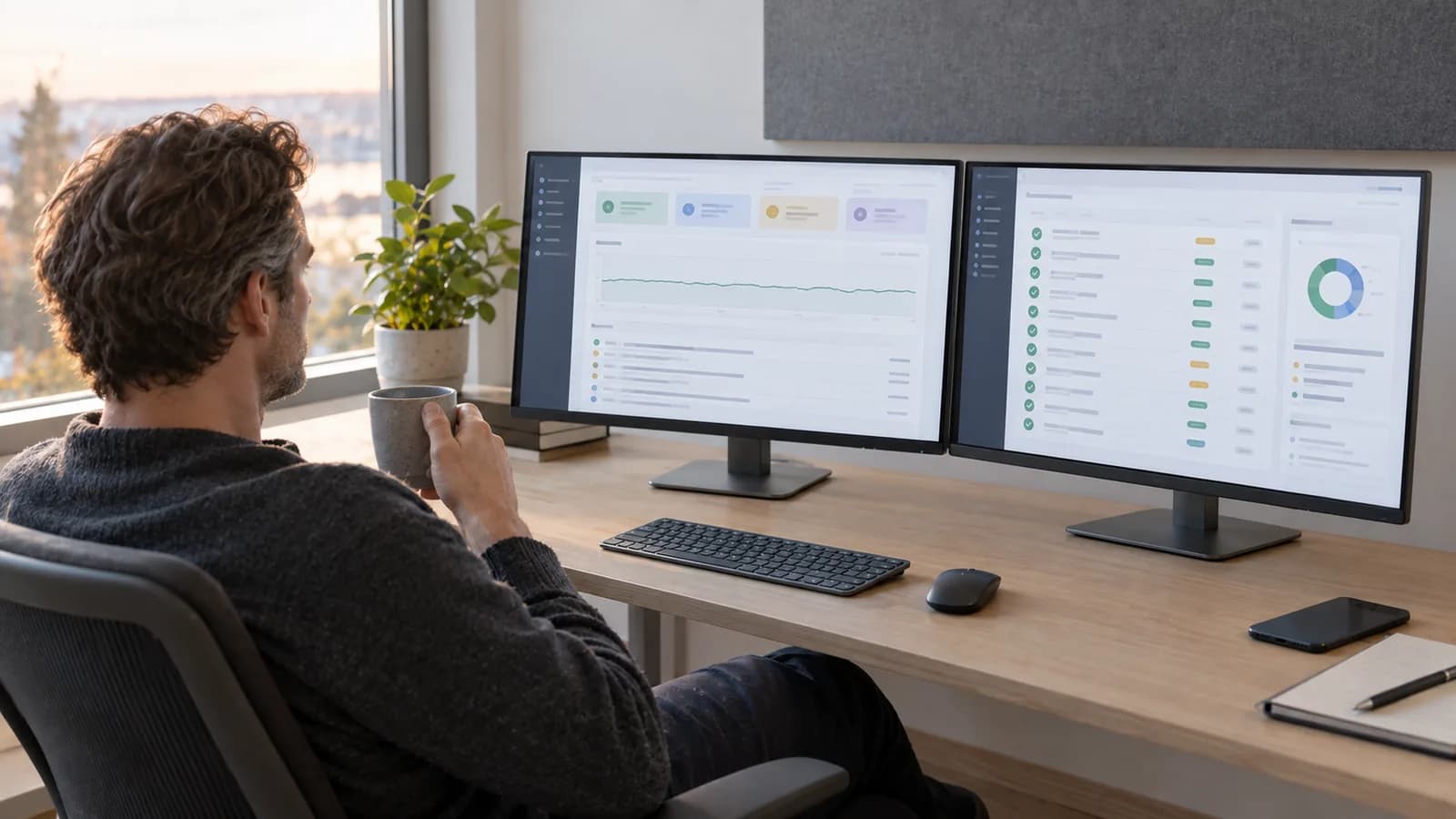
This is the part that surprises most people. A simple company website can stand for years and do its job with little care. A web application is in operation, and operation costs. The system holds data people depend on, and data like that has to be looked after every month, not only on the day it was delivered.
- Hosting that copes with the system being in use all working day, not just visits from Google.
- A database that has to be operated, secured and kept tidy.
- Backup that has actually been tested, so data can be recovered after a failure.
- Updates to frameworks and libraries, because vulnerabilities hit logged-in systems harder.
- Monitoring that alerts you when something fails, before a customer calls.
- Support, because people get stuck in a tool they have to use to do their job.
Then come the personal data. The moment you store names, phone numbers, addresses, photos or documents about your customers, you are the one responsible for that data. You have to know where it lives, who has access, how long it is kept and what happens if it leaks. Much of this applies to an ordinary website with a contact form too, and I have written more about it in GDPR for websites. The difference is volume: a system collects data every single day.
Once you have decided that a system is what you need, the next question is whether it should be built from scratch or whether something off the shelf will do. I walk through that in when do you need a custom system.
When do you only need a better website?
Quite often, and it is worth saying out loud. The word web application tends to make projects bigger than they need to be. If your problem is that too few people get in touch, that the site is slow, that it looks like everyone else in the industry, or that nobody finds you on Google, then a system solves none of that.
Then the answer is a website that actually sells, not a logged-in area nobody asked for. A contact form that sends you an email is plenty while the number of enquiries is manageable. I have recommended exactly this several times: drop the system, build the site properly first.
The honest order is usually this. Get the website to bring in enough customers. When following up those customers becomes the bottleneck, that is when a web application pays for itself. Start at the other end and you build a system for customers you do not have yet.
What is the difference between a website and a web application?
A website presents information that is the same for every visitor. A web application does work: users log in, data is stored, and the content depends on who is logged in.
Does a contact form turn the website into a web application?
No. A form that sends an email is still a website. It becomes a system when the form stores data, gives the case a status and lets someone log in to follow it up.
Does a web application cost more than a website?
Usually yes, both to build and to run. Logic, testing, database, backup and support come on top of design and content. How much more depends entirely on what the system has to do.
Can a website and a web application be the same solution?
Yes, and it is common. The public website sits in front, and a logged-in area sits behind it. Visitors see the site, while customers and employees log into the system.
How do I know what my business needs?
Look at what stalls today. If the problem is that too few people get in touch, you need a better website. If the problem is that follow-up after contact drowns in email and spreadsheets, you need a system.
Want help with this? See how we work with bespoke systems.
Not sure where your website stands?
Run a free analysis and get an honest picture of speed, structure and things that could be stopping your customers.