Customer portal for business: when do you need it?
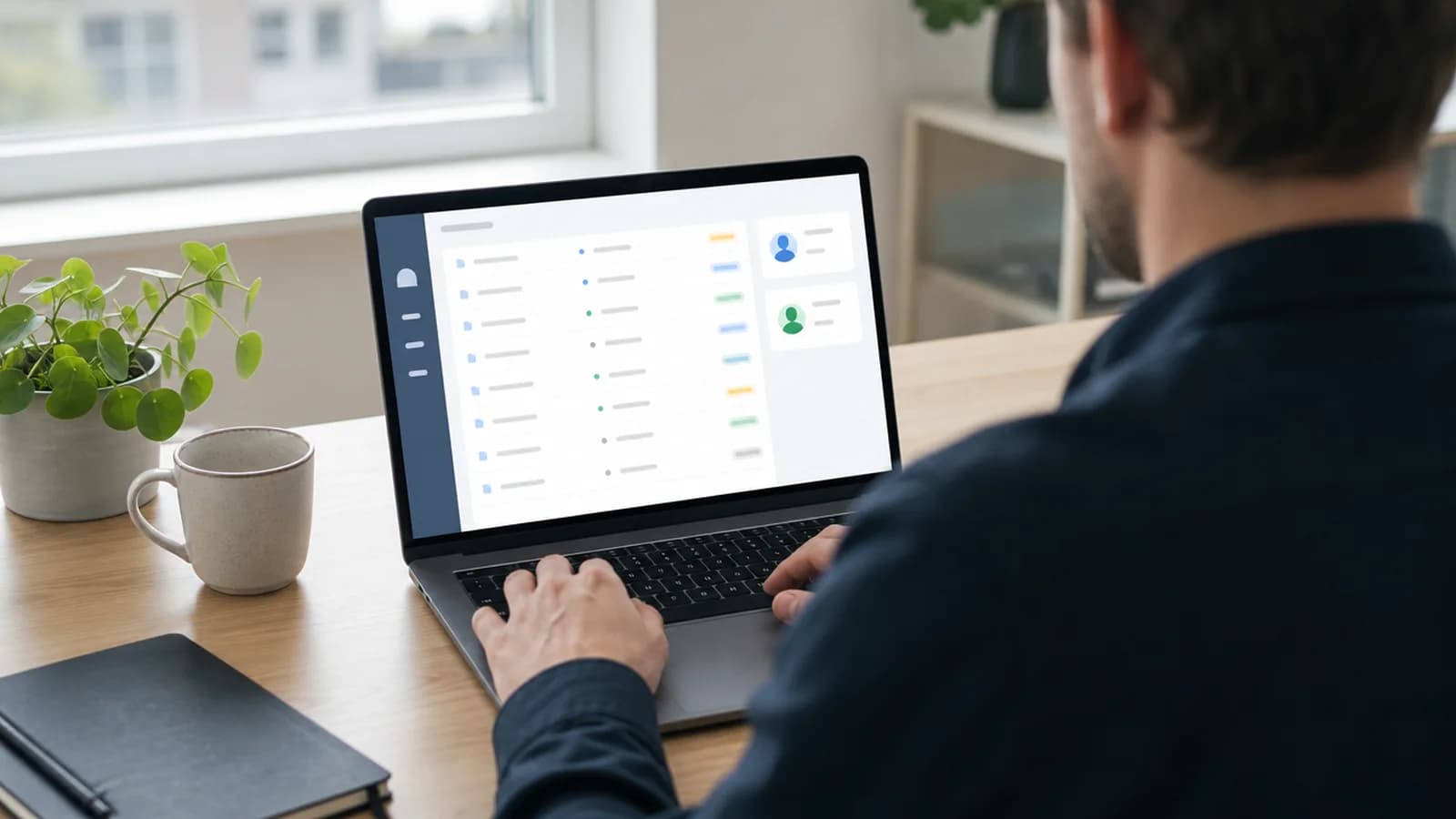
Customer portal for business is a logged in area where your customers can see status, upload documents, send messages and complete tasks without sending you yet another email. It is where the customer journey continues after the contact form is filled out.
Many businesses get by for a long time with email, shared folders and a bit of manual follow up. It works until it no longer does. When documents are scattered across threads, customers ask the same thing again, and nobody quite knows who has the next step, then email has become a system. Just a poor one.
At wevo I build customer portals as custom systems. With login, roles, document flow, status and integration with the systems you already use. Here I go through when such a portal actually pays off, and what it should contain.
What is a customer portal for business?
A customer portal for business is a logged in area where customers can see information, upload files, follow status, send messages or perform tasks related to the customer relationship. It is not a new website. It is the work surface that takes over once the public site has done its job and the prospect has become a customer.
An accountant can gather receipts, deadlines and signatures in one place. A construction firm can show progress, photos and decisions after an inspection. A wholesaler can let regular customers see orders, invoices and delivery status themselves. A property manager can share contracts, invoices and fault reports with tenants. What they all have in common is that something happens after the first contact, and that this something repeats.
When should customers actually log in?
A portal is right when customers often need status, documents, messages or actions after the first contact has been made. If the whole relationship is one sale and a bit of support, email is plenty. But if the customer comes back again and again to ask, share or follow along, then a portal pays for itself in saved time.
Here are the signals I look for when a business wonders whether the time is right. Recognise three or more, and the answer is usually yes.
- Email becomes the archive: documents, messages and decisions are spread across long threads nobody can find again.
- Customers ask about status: employees answer the same thing over and over because status is not visible anywhere.
- Files are sent insecurely: sensitive or important documents go through random channels and temporary stores.
- Responsibility is unclear: nobody knows whether the customer, the business or an employee has the next step.
Notice that none of these signals is about technology. They are about friction in everyday work. A portal is the answer when the friction is large enough to cost you hours each week, and customers start to experience the follow up as messy.
What does a portal save in practice?
The most underrated benefit is fewer emails and phone calls about things the customer could have seen themselves. When status and documents are visible, a large share of the questions disappear. Employees stop being living reference books. Customers stop waiting for an answer during business hours for something they only wanted to check.
| Function | With customer portal | Without portal |
|---|---|---|
| Documents | The customer uploads and sees what is missing. | Files are sent by email without structure and must be chased. |
| Status | Everyone sees the next step and who is responsible. | The customer must ask manually, employees answer manually. |
| Roles | The right person sees the right information. | Everyone gets the same access, or everything is sent to all. |
| Integration | The portal sends data onward to CRM or business system. | Employees copy the same data into several places. |
The same principle lies behind the choice between custom system and off the shelf. A portal is worth building when the repeating work is large enough, and when that work is your own, not a generic version a standard package pretends to solve.

Roles and access: who sees what?
A portal stands or falls on access control. The first thing I sketch together with the customer is not screens, but roles. Who is a customer, who is an employee, who is an administrator, and are there external partners who need a narrow, temporary entrance? When the roles are clear, the rest of the portal becomes much easier to build correctly.
For a property manager, a tenant can see their own contracts and invoices, while a caretaker sees fault reports without seeing finances. For an accountant, a business customer can see their own receipts, while an external auditor gets access to a limited selection for a limited period. The point is simple: nobody should be able to see or do more than they actually need.
- Define which customers should log in, and what they actually need to do there.
- Create roles for customer, employee, administrator and any external partners.
- Decide which documents, messages and status fields each role should see.
- Plan secure login, logging and data minimisation before development starts.
- Build the first version around the most used tasks, and expand after real use.
Documents and status: the core of most portals
When I ask a business what the portal should first and foremost solve, we almost always land on documents and status. The customer wants to upload and find files again. The business wants to show where the case stands. Both want to avoid guessing. This is where a portal delivers value fastest, and often where I recommend starting.
A construction firm posting progress photos and decisions along the way avoids a dozen status questions per project. An accountant showing which receipts are missing before a deadline avoids the chasing round. Good document flow is not an archive. It is a shared understanding of what is done and what remains.
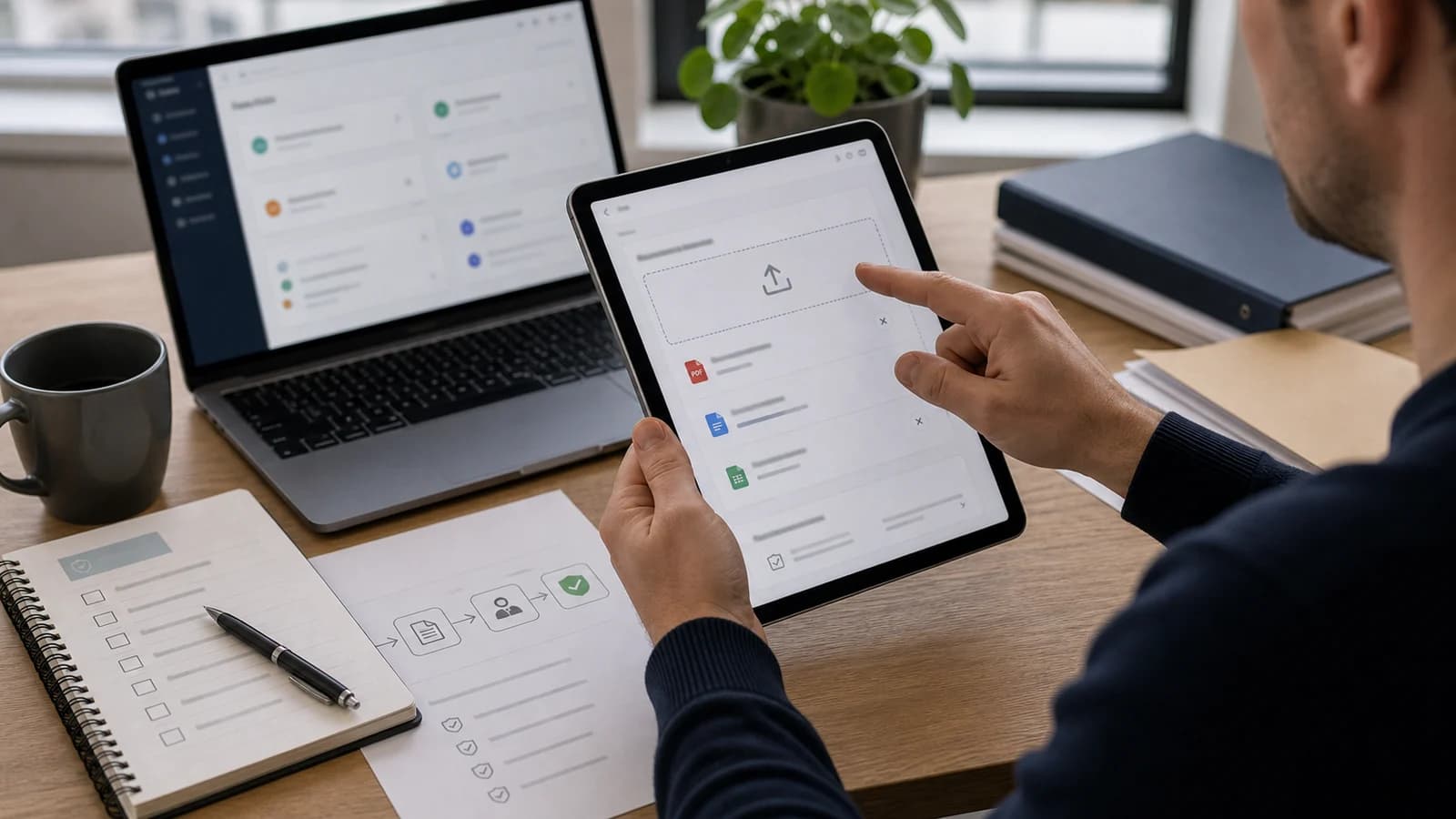
Status works best when it is concrete. Write waiting for your receipts or ready to sign instead of in progress. A clear status tells the customer the next step without a single follow up question. It is the same logic behind a good custom web application: the system should remove guesswork, not move it somewhere new.
Integrations: the portal cannot stand alone
A portal that looks modern, but where employees still copy data onward by hand, has only moved the work. The real gain comes when the portal talks to the systems you already use. CRM, business system, accounting, document storage, payment and notifications.
A wholesaler wants an order placed in the portal to land in the order system without manual typing. An accountant wants uploaded receipts linked to the right client in the business system. Such connections are what separate a pretty front page from a tool that actually saves time. How integrations with Norwegian services are built safely, I have written more about in API integration with Vipps.
Security and login
The Norwegian Data Protection Authority emphasises privacy by design and data minimisation. A portal should therefore be built with roles, access and logging from the start, not bolted on afterwards. When customers log in and share documents, security becomes part of the foundation, not a checklist at the very end.
- Safe login with correct handling of passwords and sessions.
- Roles and access so nobody sees more than they should.
- Logging of important actions, so it is traceable who did what.
- Data minimisation: collect only what the portal actually needs.
- Clear routines for deletion when a customer relationship ends.
The most common mistakes I see are not advanced security holes. They are everyday choices that pile up. Here are the traps I make sure to avoid.
- Too many functions: the portal becomes heavy before customers learn the most important flow.
- Weak access control: customers can see or do more than they should.
- Too little notification: nobody is told when something is uploaded or changed.
- Poor integration: the portal looks modern, but employees still copy data.
How wevo builds a customer portal
I start with the roles and the most used tasks, not with a long wish list. The first version covers what customers actually do every week: log in, find documents, see status, send a message. Then we expand based on real use, not assumptions. A portal that grows with the need becomes both cheaper to maintain and easier for customers to learn.
A customer portal for business is the right next step when the customer journey continues after the contact form, and email is no longer a good enough work surface. If you want to build this correctly from the start, a portal belongs in the requirements for custom systems. Then you get a solution that handles customers, security and future growth.
What is a customer portal?
A customer portal is a logged in area where customers can see status, share documents, send messages or perform tasks related to the customer relationship.
When does a business need a customer portal?
When email, folders and manual follow up no longer give enough overview for customers or employees, and the same questions keep repeating.
Is a customer portal secure?
It can be safe when the solution is built with roles, access control, logging, data minimisation and secure login from the start.
Can a customer portal connect to CRM or business systems?
Yes, a portal can integrate with CRM, business systems, forms, document storage and notification flows when it creates value.
Want help with this? See how we work with bespoke systems.
Not sure where your website stands?
Run a free analysis and get an honest picture of speed, structure and things that could be stopping your customers.