Native, hybrid or web app: what fits your business?
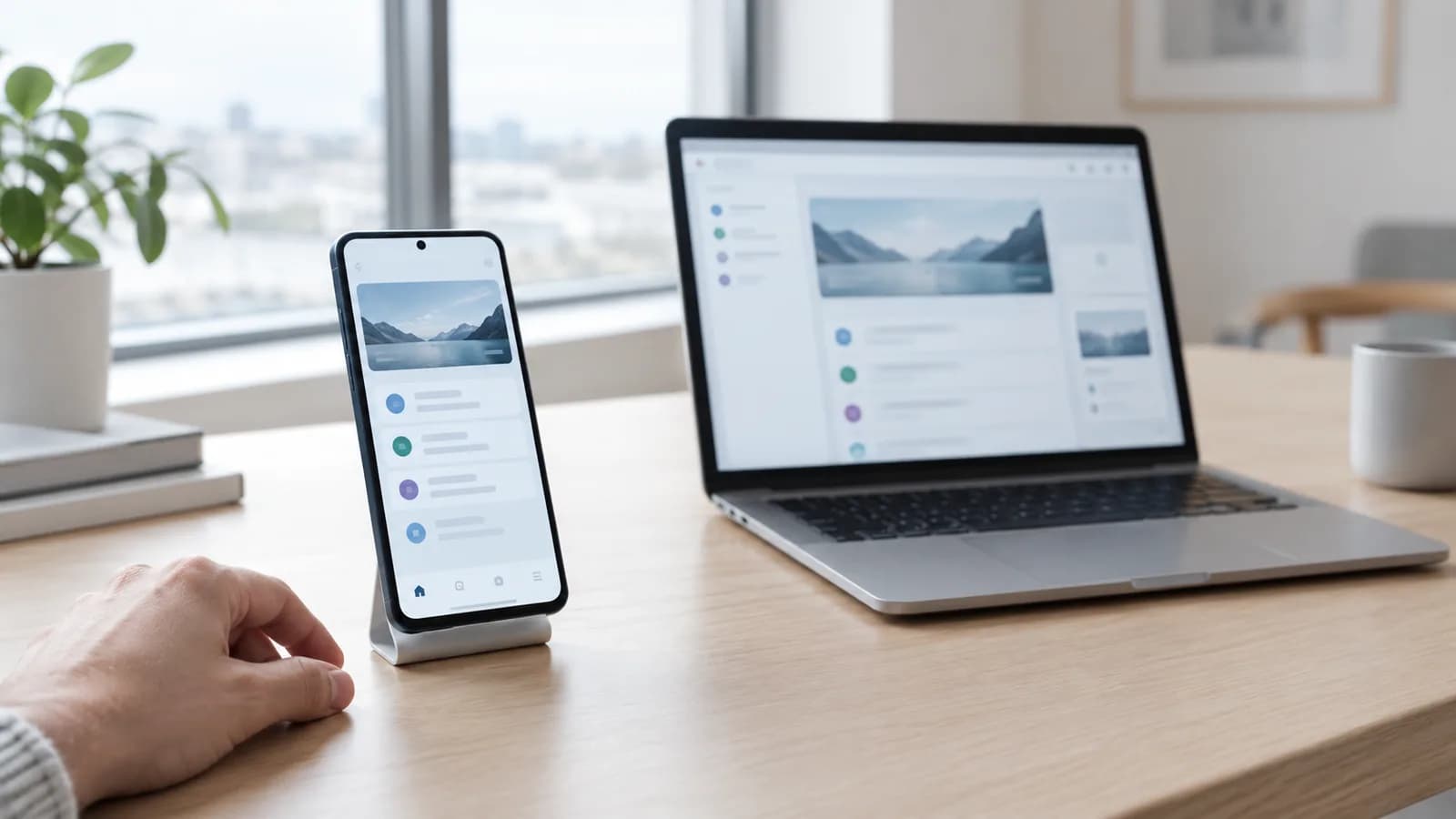
Mobile app development boils down to three choices: native, hybrid or web app. The words sound technical, but the difference is simple enough. It comes down to where the app runs, how close to the phone it is allowed to get, and how much it costs to keep alive afterwards.
Most people who get in touch just say "app". Then it turns out during the conversation that they are describing three fairly different things. Some need something that sits in Google Play. Some need a tool their staff open in the browser. Some need neither, just a better website.
Here I go through what the three actually are, what they cost to own and which features decide the choice. I am not putting numbers on it here, because I have written about that in what it costs to build an app. This is about something else: what you get, and what you give up.
What do native, hybrid and web app mean?
A native app is built with the platform's own tools. For Android that means Kotlin and Android's own toolbox. The app is installed from Google Play and has direct access to the camera, sensors, notifications, storage and everything else the phone can do. It is also the fastest, simply because nothing sits in between. These are native Android apps, and they are what I build.
Hybrid is an umbrella term, and it is worth knowing that it covers two fairly different things. One variant, like Flutter and React Native, is written once and runs on both platforms, with an interface drawn close to native. The other variant simply wraps a website in an app shell. Both are called hybrid in sales meetings. The quality is nowhere near the same.
A web app is a website that behaves like an app. It opens in the browser, needs no download and is updated the moment you publish. The user can add it to the home screen, where it gets its own icon and looks like everything else on the phone. It does not sit in any store, and that is both the advantage and the limitation.
- Native: lives on the phone, full access to the hardware, published in a store.
- Hybrid with a framework: one codebase for several platforms, faster to start, more compromises.
- Web app: no download, no store, updated with a single release.
- Wrapped website: looks like an app, but is a website in a shell. The stores are not fond of it.
What do the three cost, and what do they cost afterwards?
The build cost is only half the sum. The other half is what the solution costs to own. In a web app you can fix a bug in the morning and have it out before lunch. An app in a store has to be built, uploaded, reviewed, and then the user actually has to install the update. The fix is the same. The route out is not.
| Area | Native | Hybrid | Web app |
|---|---|---|---|
| Where it runs | Directly on the phone | Partly on the phone | In the browser |
| Hardware access | Full | Good, but depends on plugins | Limited |
| Updates | New version via the store | New version via the store | Live the same moment |
| Build cost | Highest per platform | Lower if you need two platforms | Lowest |
| Maintenance | Follows Android's requirements | Follows both store and framework | Follows the browser |
| Visible in Google search | No | No | Yes |
Hybrid is often sold as the cheap shortcut, and sometimes that is true. But you are not really trading away cost, you are trading away control. You become dependent on a framework that has to keep up when Android changes, and on plugins maintained by other people. When something creaks, the fault tends to sit in the layer you do not own. That is perfectly fine to live with, as long as you know you chose it.

Four things that actually decide the choice
Strip away the technology talk and four questions remain. Answer them honestly and you usually have the answer before we have drawn a single screen.
- Notifications. Do you need to reach the customer on their phone without paying for ads? Native does it best. A web app can send notifications on Android, but on iPhone the user first has to add the site to the home screen, and in practice most people drop off there.
- Offline. Does the solution have to work in a basement, in a van or on a building site with no signal? Native handles that most cleanly. A web app can cache a fair amount, but you should not build a working day that depends on it.
- Camera and sensors. Taking a photo works fine in the browser. If you need to scan barcodes at speed, read NFC, use fingerprints or do something while the app sits in the background, you are outside the browser's comfort zone.
- Payment. This gets governed by rules quickly. If you sell digital content inside the app, you have to use the store's payment system, and the store takes its share. If you sell an appointment, a product or a service delivered outside the app, different rules apply. Have that conversation before you pick a platform, not after.
Notice that none of the four questions is about how modern something looks. They are about what the solution is allowed to do on the phone. That boundary drives the price, not the design.
When the web app is right, and the app is wrong
It happens often that the client describes an app, and the right answer is something else. An internal tool where staff log hours, check stock or fill in forms rarely needs to sit in Google Play. It needs to work on a phone, on a tablet and on the machine back at the office. What you are really after then is a bespoke system, not an app.
Then there is a third variant: the client needs neither an app nor a web app, just a website that is fast and pleasant to use on a phone. I have written more about that judgement in app, website or both. In short, an app brings people back, while a website is what makes them find you in the first place.
What Google Play and the App Store require
Publishing is not just pressing upload. Both stores review the app before it goes out, and both require a developer account. Google Play charges a one-off fee for the account, Apple charges a fee that renews annually. On top of that you need a privacy policy, a description of which data the app collects, and screenshots that show what the app actually does.
Then comes the part that surprises most people: the stores require you to keep the app updated. Google regularly raises the Android version the app must be built against, and apps that do not keep up become less visible to new users. The stores are also not keen on apps that are just a website in a shell. If the app does nothing a website could not have done, you risk being rejected in review.
How I make the choice with the client
I build native for Android. That is a deliberate choice, not a limitation I try to wrap up nicely. One platform done properly beats two platforms done halfway, especially for a small business that will own the code afterwards. If you want to see how I work with app development, the whole process is described step by step.
The conversation always starts in the same place: what should the user do, how often, and what does the phone have to manage for it to work. If the answer points towards notifications, offline use or hardware, we are talking about a native app for Android. If it does not point there, I say so, even when it means a smaller project. Building the wrong kind of solution is more expensive than building nothing.
What is the difference between a native app and a web app?
A native app is installed from the store and runs directly on the phone with full access to camera, notifications and sensors. A web app opens in the browser, needs no download and updates immediately, but has limited access to what the phone can do.
Is hybrid always cheaper than native?
No. Hybrid can save money if you need both Android and iPhone. If you only need one platform, much of the saving disappears, and you are left with an extra layer that has to be maintained.
Can a web app send push notifications?
On Android yes. On iPhone the user first has to add the site to the home screen before notifications can be sent, and in practice few people do. If notifications matter to you, native is the safe choice.
Do I need to be in Google Play?
Only if people are going to find and install the app there, or if you need features that require an installed app. An internal tool for staff often works better as a web app they simply open.
Do you build apps for iPhone?
No, I build native Android apps. If you have to reach everyone regardless of phone, a good mobile-friendly website or web app is often the most sensible route, since it opens on any phone with no download.
Want help with this? See how we work with apps for android.
Not sure where your website stands?
Run a free analysis and get an honest picture of speed, structure and things that could be stopping your customers.