Website for dentist and clinic: trust that converts
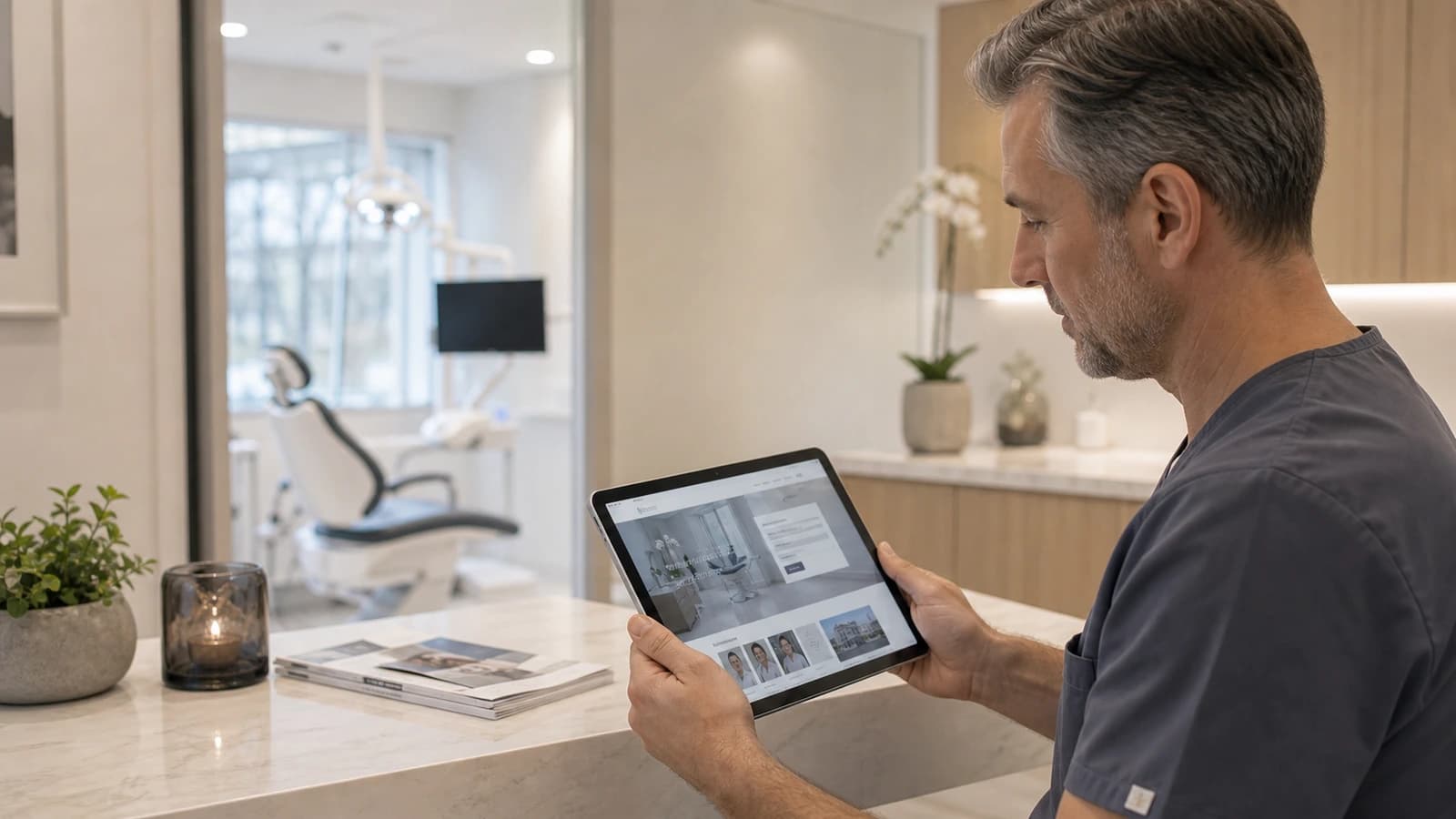
A website for a dentist is less about showing off the clinic and more about making the patient feel safe before the first request. A patient considering a new dentist is often a little unsure. Maybe they are in pain, dread the visit, or simply wonder whether the clinic suits children. The site has to answer this before the phone is picked up.
Many clinic sites list treatments with jargon and leave the patient to guess the rest. That is a lost opportunity. A dentist website must explain the situation, show people and make contact easy, without asking for more information than necessary. Trust is not decoration here. Trust is what actually leads to a booked appointment.
At wevo, I build websites for dentists and clinics in Norway with calm structure, good readability, safe contact and technical quality that supports serious health information. Below I share how I think about a clinic site that genuinely builds trust.
What must a website for a dentist actually do?
A website for a dentist is a clinic site that explains treatments, team, location, patient journey and contact in a way that builds trust. It must make the patient feel safe before booking, with clear treatments, visible competence and simple contact. That sounds obvious, but this is exactly where many sites fall short.
The need varies with the clinic. A dentist in Trondheim should explain emergency help, common treatments and how a frightened patient is taken care of. A small clinic in Bergen may need to show team, premises and availability more clearly, because the patient chooses as much by feeling as by treatment type. A clinic with many families in Stavanger needs a very different tone than a specialist clinic for orthodontics.
How to build trust for new patients
Trust on a clinic site comes from concrete things, not from words like safe and professional. The patient wants to see who works there, how an appointment goes, and what happens if something is urgent. The Norwegian Directorate of Health and public health websites emphasise understandable patient information, and private clinics meet the same expectation digitally.
- Show the people: photos, names and roles of the team make the clinic less anonymous.
- Explain the patient journey: what happens from request to finished treatment.
- Take dental anxiety seriously: say clearly that nervous patients are welcome.
- Show practical info: opening hours, parking, access and emergency help.
- Be honest: promise only what the clinic actually delivers.
These signals help an unsure patient relax a little. That is the difference between a site that only describes the clinic and a site that actually invites the patient in.
Explain treatments without scaring the patient
Treatment texts are the hardest part of a dentist site. Write too clinically and the patient understands the words, but not what actually happens. Write too loosely and you lose credibility. The best text starts with the patient's situation, not with the technical term.
Instead of writing endodontic treatment, you can explain when a root canal is relevant, how the clinic does it gently, and what the next step is. The technical term can stand alongside, but it should never stand alone. The goal is for the patient to recognise the situation and understand what to expect.
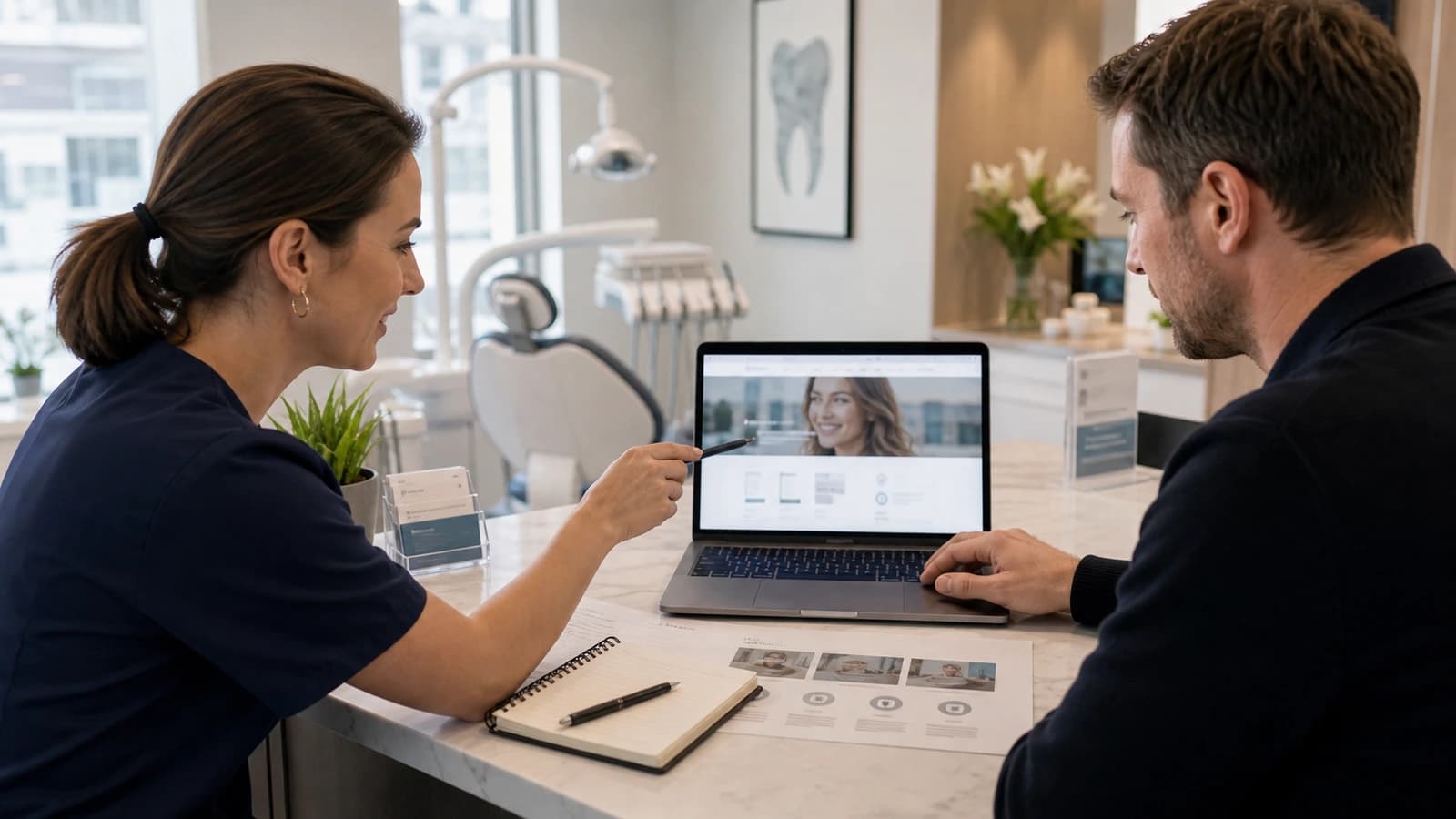
A good treatment page often follows three steps: which problem does this solve, how is it assessed here, and how does the patient make contact safely. Then each treatment becomes an answer to a real question, not just an item in a list.
Appointment requests that do not stress the patient
The contact point is where many clinic sites lose patients. A form that asks for too much, or a phone option that is hidden, makes it hard to ask for help exactly when the need is urgent. Appointment requests should be calm, clear and honest about what happens next.
- Map which patient questions arrive before first contact.
- Let the patient choose between phone and form, not just one option.
- Ask only for information the clinic actually needs to answer.
- Briefly explain how the request is handled and how quickly it is answered.
- Make contact visible on every page, not only on a separate contact page.
Privacy for health information on the clinic site
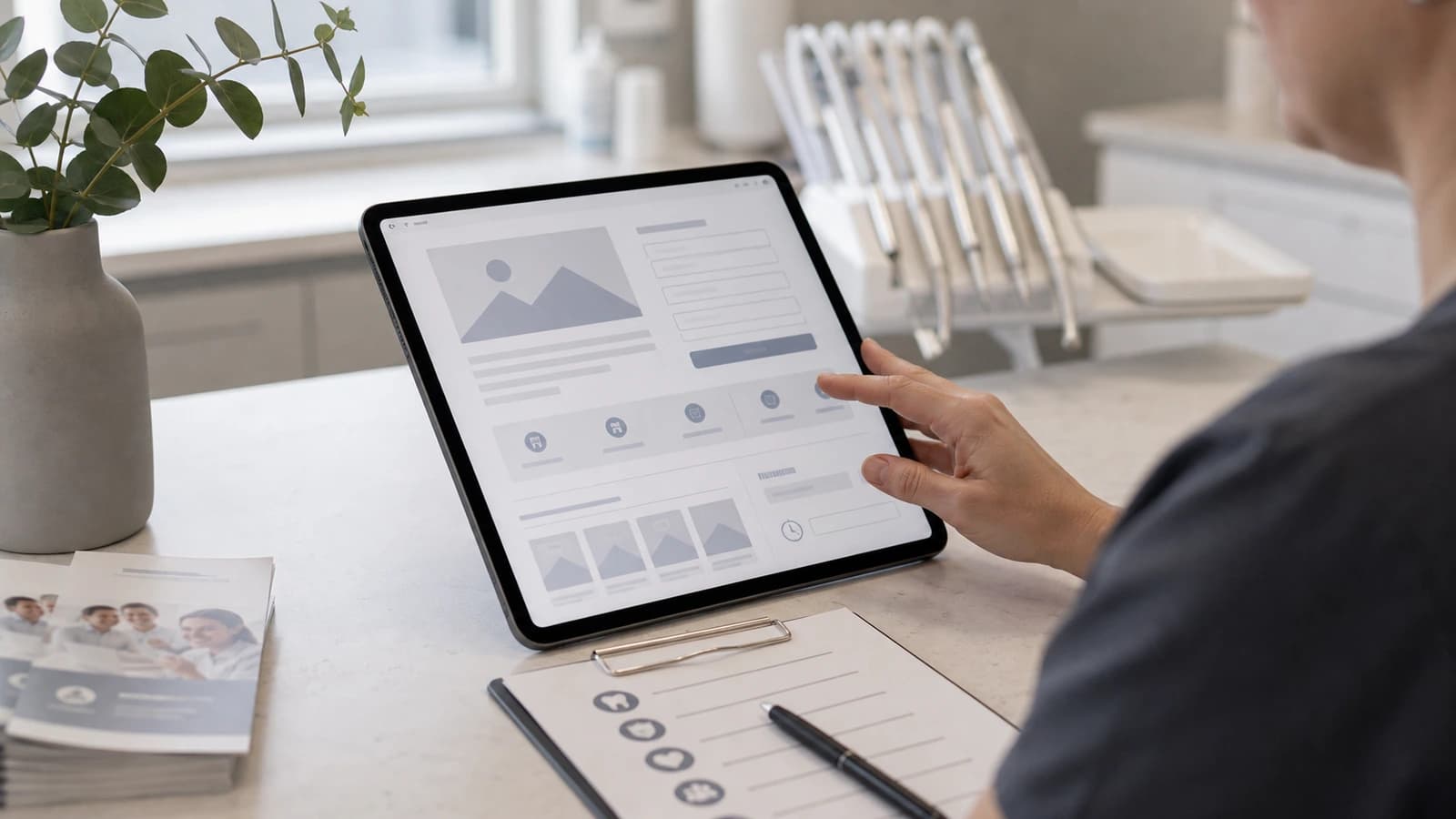
A clinic handles sensitive information, and that shows on a website built correctly. A form should not ask the patient to describe symptoms in detail or share health information it does not need at this stage. The less sensitive information the site collects, the safer it becomes.
Here the website is closely tied to GDPR. The patient should understand what happens to the information, and the form should be careful with free-text fields. I avoid asking for more than name, contact details and a short reason for the request. The rest can be handled by phone or in person, where it belongs.
| Element | Good practice | Common mistake |
|---|---|---|
| Treatments | Each treatment explains problem, assessment and safe contact. | The list only uses professional terms. |
| Team | The patient sees people, roles and competence. | The clinic appears anonymous. |
| Privacy | The form asks only for necessary information. | The patient is asked to share too much. |
| Accessibility | Text, contrast and mobile work for many users. | Important information is hard to read. |
Local visibility and accessibility
A patient rarely searches for a clinic by name. They search for a dentist near where they live or work. That is why local visibility is crucial for a clinic site. Correct information about location, opening hours and services helps both the patient and the search engines understand where the clinic is.
I work on this through local SEO and Google Business Profile, so the clinic appears when someone nearby is searching. At the same time, the site must be accessible to everyone. Requirements for accessibility also apply to private clinics, and good contrast, readable text and a working mobile flow are as much a quality requirement as a legal one.
An older patient with weak vision, a stressed parent on mobile, or someone seeking help in the middle of the night should all find contact without struggle. When accessibility and local visibility are in place, the site becomes more robust for every patient group.
Common mistakes on dentist sites, and a plan that works
Most weak clinic sites fail on the same points. They are not advanced mistakes, but they are repeated often enough to cost the clinic patients.
- Too clinical language: the patient understands the words, but not what will happen.
- Too little reassurance: the site shows services, but not why the clinic is safe.
- Weak privacy: the form collects more information than necessary.
- Poor mobile: the patient cannot find contact when the need is urgent.
The antidote is a simple plan set before a single treatment text is written. I work through it like this:
- Map which patient questions arrive before first contact.
- Write treatment texts that explain situation, reassurance and next step.
- Show team, premises, competence and practical information calmly.
- Create a contact flow that does not ask for sensitive details without reason.
- Check mobile, accessibility, privacy and local visibility before launch.
When these five steps are in place, the clinic has a site that handles busy days, frightened patients and future growth. That is the difference between a site that looks nice and a site that actually does the job.
A website for a dentist is the right next step when the clinic wants to make it easier for patients to understand treatments, find the right contact and feel safe before the first request. If you want to build this properly from the start, begin with websites from wevo.
What should a dentist website contain?
It should contain treatments, team, location, contact, practical information, privacy and clear answers to common patient questions.
Can dental websites have appointment requests?
Yes, but the form should be careful with sensitive information and explain how the request is handled.
How important is local SEO for dentists?
Local SEO is important because many people search for a dentist near where they live or work.
Do clinic websites need accessibility?
Yes, private businesses in Norway must relate to accessibility requirements for web solutions.
Want help with this? See how we work with websites.
Not sure where your website stands?
Run a free analysis and get an honest picture of speed, structure and things that could be stopping your customers.