AI agent for business: what it is and what it can do
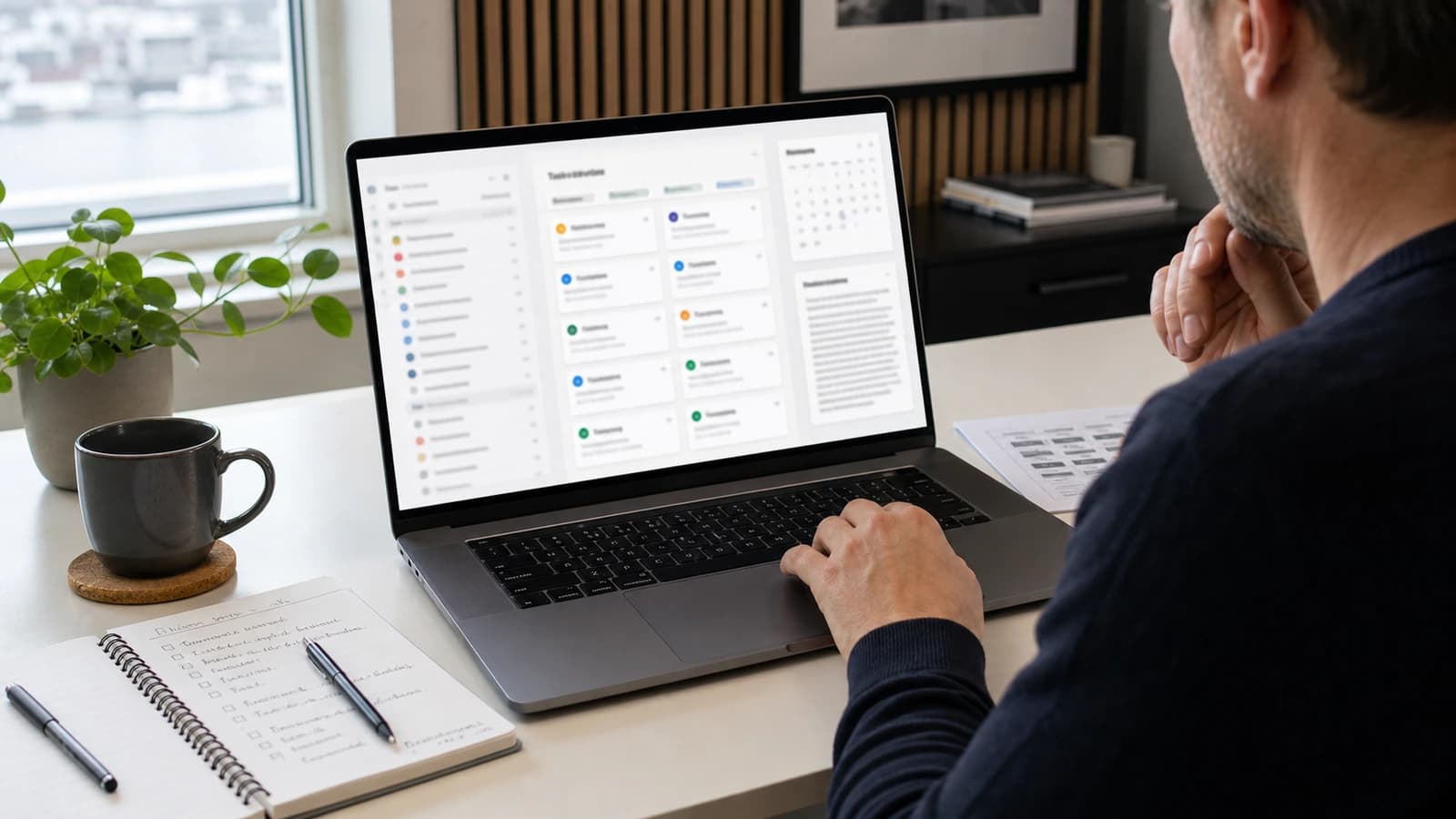
An AI agent for business is an AI solution that can understand a task, use tools, follow rules and suggest or perform the next step in a workflow. The value is that it does parts of the work between your systems, not that the answer is nicely worded.
Many people call all AI a chatbot. That is too rough. A chatbot often answers questions. An AI agent can read an email, fetch customer data, create a draft, check rules, update CRM and ask for approval before anything is sent. It is not a human, and it should not pretend to be. It is a work engine with clear boundaries.
At wevo, I use AI agents as a practical part of automation for businesses in Norway. The goal is not to replace people. The goal is to remove routine work that makes capable people slow.
What is an AI agent?
An AI agent is a system that uses a language model together with tools, data and rules. The language model understands the instruction and creates suggestions. The tools let the agent fetch information, write to systems, read documents or call APIs. The rules decide what the agent is allowed to do, when it must stop and when a human must approve.
Precision matters here. An AI agent should not get free access to everything. It should get just enough access to do the task, and it should log what it does. If an agent can create a quote, maybe it should not send it without approval. If it can read email, it should read only what is needed for the task.
What is the difference between an AI agent and a chatbot?
| Type | What it does | When it fits |
|---|---|---|
| Chatbot | Answers questions based on knowledge. | Customer service, FAQ and simple explanations. |
| AI assistant | Helps an employee with drafts and analysis. | Email, quotes, reports and documents. |
| AI agent | Uses tools and moves a process forward. | CRM, document flow, internal follow-up and automation. |
An AI chatbot for businesses can answer customers about opening hours, services and common questions. An AI agent can go further: create a case, fetch order history, suggest a reply, send the case to the right person or create a task in CRM. The difference is workflow.

Which tasks can an AI agent do for a business?
The best tasks are repeatable, text-heavy and rule-driven. An agent should start with work that already has a clear process. If people in the business disagree about how the task should be done, the agent will also become unclear. That is why you start with small flows that can be described clearly.
- Sort email and suggest who should follow up.
- Read documents and extract key data into a form.
- Create first drafts of quotes based on customer needs.
- Update CRM with status, notes and next step.
- Check whether an enquiry lacks information.
- Write summaries after meetings or customer calls.
- Send a task to the right person when something stops.
Take Jonas, who runs a small service company in Tromsø. He receives enquiries from the website, phone notes and email. An AI agent can read new enquiries, categorise them, check whether address and desired time are missing, create a short summary and place the case in CRM. Jonas makes the decision. The agent clears the table.
Another example is an accounting firm that receives vouchers, questions and deadlines by email. The agent can sort enquiries, suggest priority and extract missing information. It should not approve accounts alone, but it can make sure the human starts with a tidy case.
Where should an AI agent not be used?
An AI agent should not make high-impact decisions without human control. It should not promise anything to customers, give legal advice, change critical data or send binding quotes without approval. It should also not be used where the data foundation is messy and nobody knows what is correct.
- Let the human approve external replies and quotes.
- Limit access to the data the agent actually needs.
- Log actions and assessments.
- Start with suggestions, not full automation.
- Test on historical cases before the agent works live.

How should an AI agent be built safely?
Safe AI is about control surfaces. The agent needs a clear role, clear rules, limited access, logging and a plan for errors. If the agent cannot find enough information, it should say so. If it is unsure, it should escalate. If it meets data it should not process, it should stop.
The best agent is often boring in a good way. It follows the same process every time, explains what it has done and leaves a clear task for the human. Then AI becomes a predictable colleague in the system, not a black box.
| Control | Why it matters | Practical solution |
|---|---|---|
| Role | The agent must know its job. | One agent per clear task. |
| Access | Too much access increases risk. | Least necessary rights. |
| Approval | Important choices must be controlled. | Human approves before sending. |
| Logging | Errors must be traceable. | Store steps, time and result. |
| Testing | The flow must survive reality. | Test with old cases before live operation. |
How does wevo start with AI agents for businesses?
I start by finding one process that steals time. Not the whole business. One process. Then we describe input, rules, tools, desired output and who approves. After that, a small agent is built to work with real examples. When it saves time without creating mess, the next step can be connected.
This connects with AI for businesses and automation of work processes. The AI agent is often not the whole solution. It is the engine in one part of the flow, connected to website, CRM, documents or internal systems through AI and automation.
What is an AI agent for business?
An AI agent for business is an AI solution that can use tools, follow rules and handle steps in a workflow, such as email, CRM, documents or follow-up.
What is the difference between an AI agent and a chatbot?
A chatbot usually answers questions. An AI agent can also use tools, fetch data, update systems and suggest or perform the next step.
Can the AI agent send email to customers?
Technically it can, but important external replies should be approved by a human first. Start with drafts and control, not free sending.
Which businesses benefit most from AI agents?
Businesses with many repeatable text tasks, enquiries, documents or manual follow-up steps often have the most to gain.
Want help with this? See how we work with ai & automation.
Not sure where your website stands?
Run a free analysis and get an honest picture of speed, structure and things that could be stopping your customers.