10 tasks you can automate with AI today
Where do your hours go? Not the big jobs, the small ones. Emails you read twice. Quotes you write from scratch every time. The same questions from customers, over and over again.
AI for businesses isn't about robots or anything distant and expensive. It's about taking the small, dull tasks that eat up your day and letting a computer do the first draft. You're still in the driver's seat, you just don't have to start from zero every time.
AI starts with time, not technology
Think of AI as a sharp intern. It's fast, never gets tired, and does the grunt work, but it needs you to check the job and make the calls. An accountant who spends an hour every morning on email, or a builder writing the same quote for the tenth time this month, isn't doing hard work. Those are time thieves, and that's exactly where AI is most useful. You don't need to understand the technology to use it.
10 tasks you can hand off today

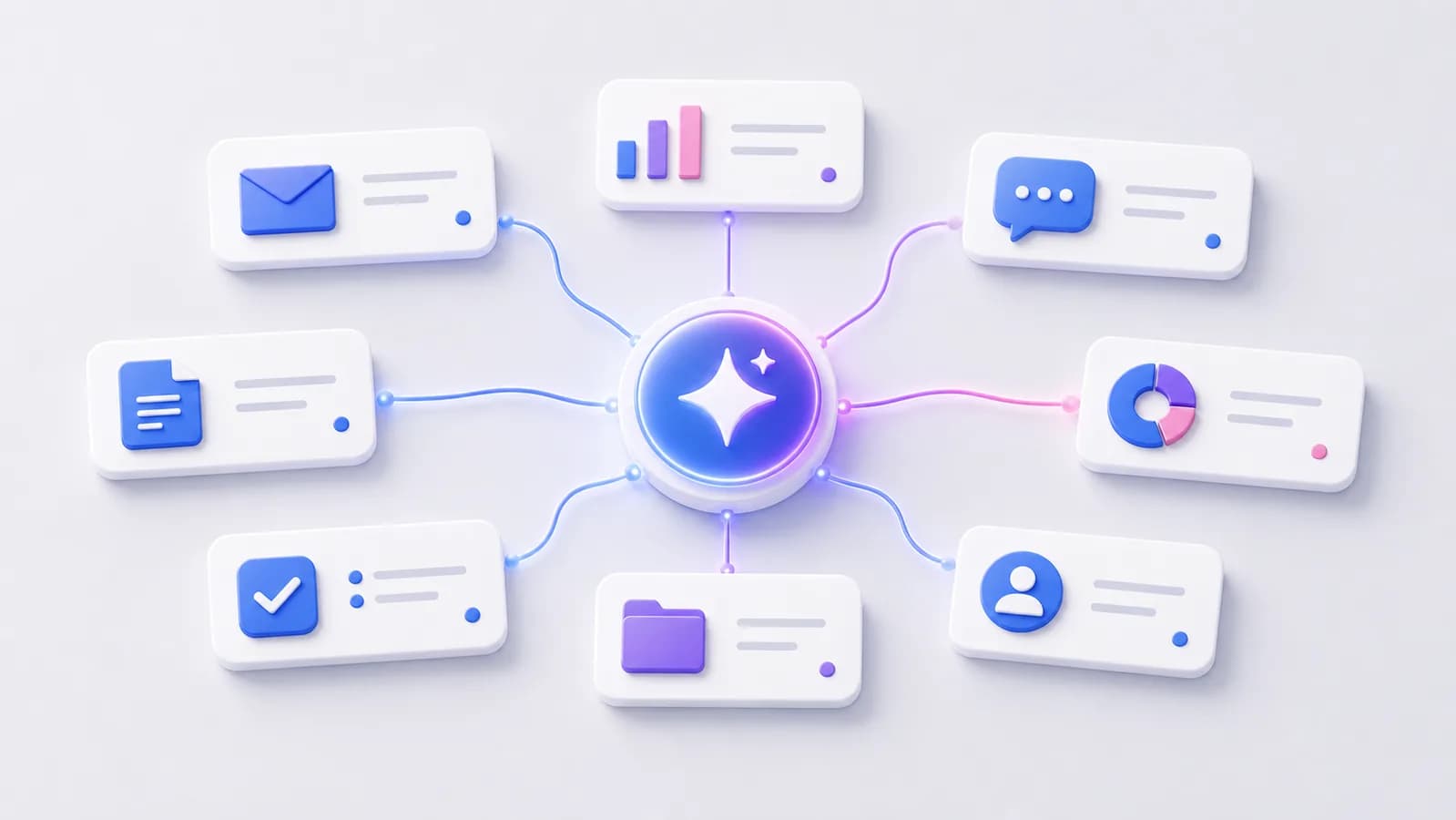
- Sort and summarize email, so you see what matters first.
- Produce a first draft of a quote in seconds instead of half an hour.
- Answer the most common customer questions automatically.
- Pull out information from long documents and contracts.
- Update notes and minutes after meetings.
- Build simple reports from figures and spreadsheets.
- Write product copy and descriptions that sell.
- Qualify leads, so you call the hottest ones first.
- Translate and simplify text into language the customer understands.
- Suggest the next step, so nothing gets forgotten or left hanging.
Here's what it looks like in practice. An electrician opens the inbox Monday and finds 40 emails. AI reads them first and makes a short list: three new enquiries, two invoice questions, the rest can wait. He sees what matters in two minutes instead of an hour. A painter types a few keywords about a job and gets a finished draft quote where he only fixes one number. What took half an hour now takes five minutes.
An accountant gets a 30-page contract and only needs the notice period. She asks AI, gets the answer with a reference to the right clause, and checks it herself. A café owner lets AI read the month's sales figures and write them in plain words: sales rose on weekends, coffee sells best, Tuesdays are quiet. The numbers turn into language she understands. The same questions from customers can be handled automatically by an AI assistant, both on the site and in messages, something I wrote a separate guide about in AI chatbot for businesses.
The human decides, always
AI makes suggestions. You make the decisions. It won't send a quote without you reading it, and won't promise a customer anything on its own. Think of it as a sharp assistant who leaves a draft on your desk. You read, fix and approve. You're the one who knows your customers and your trade, AI only knows the words. That's why the last check is always yours, and that's why it's safe even if you're cautious by nature. If you want to see how several tasks like these connect into a smooth flow, I've written about automating work processes.
How to get started

The most common mistake is wanting to automate everything at once. Start small:
- Write down the three tasks that steal the most of your time each week.
- Pick the one that's most boring and repeats most often.
- Let AI draft that task for a week, and always check it yourself.
- Measure how much time you actually saved, in hours per week.
- Once it's running smoothly, add the next task.
The best task to start with is the one you do most often and like the least. That's where you'll notice the difference fastest.
Think in hours, not cost
Say you save half an hour every morning on email, and half an hour a day on quotes and replies. That's an hour a day, five hours a week, almost a full working day back each week without working any faster. You can spend that time on what the machine can't do: meeting customers, delivering good work, or just catching your breath. And the gain grows, because the more of the ten tasks you hand off, the more hours you get back.
Is AI for businesses only for large companies?
No, quite the opposite. Small businesses often have the most to gain, because they do so much themselves. A one-person business that saves an hour a day notices it right away. You need neither a big budget nor an IT department, just a task that repeats.
Do I need to know how to code or anything technical?
No. You do most of these tasks with plain text. You write what you want and get a draft back. It's a bit like sending a message to a capable assistant.
Can I trust what AI produces?
You should never trust it blindly. AI makes a first draft, and you always check it before it goes out. Think of it as an intern: fast and capable, but not infallible. As long as you keep the final check, it's both safe and useful.
How much time can I actually save?
It varies, but many small businesses save between three and five hours a week just on the simplest tasks, like email and quotes. Start by measuring the one task you pick first.
The most important next step isn't buying something big, it's picking out the one task that bothers you most and testing it. If you're unsure where to start, you can take a free AI test, and I'll point out which tasks give you the most time back. If you want the full picture, you can read more about how I work with AI for small businesses.
Want help with this? See how we work with ai & automation.
Not sure where your website stands?
Run a free analysis and get an honest picture of speed, structure and things that could be stopping your customers.